
List your apartment on Goibibo and reach millions of Indian travellers every month. 🚀 Serviced apartments are growing fast across India. Business guests want kitchens and privacy. Families want space and home comfort. Goibibo puts your apartment in front of these guests.
This guide explains how to list your apartment on Goibibo without confusion. We follow the official GoMMT partner process. We also add practical lessons from hoteliers who use SaasAro every day. 🤝
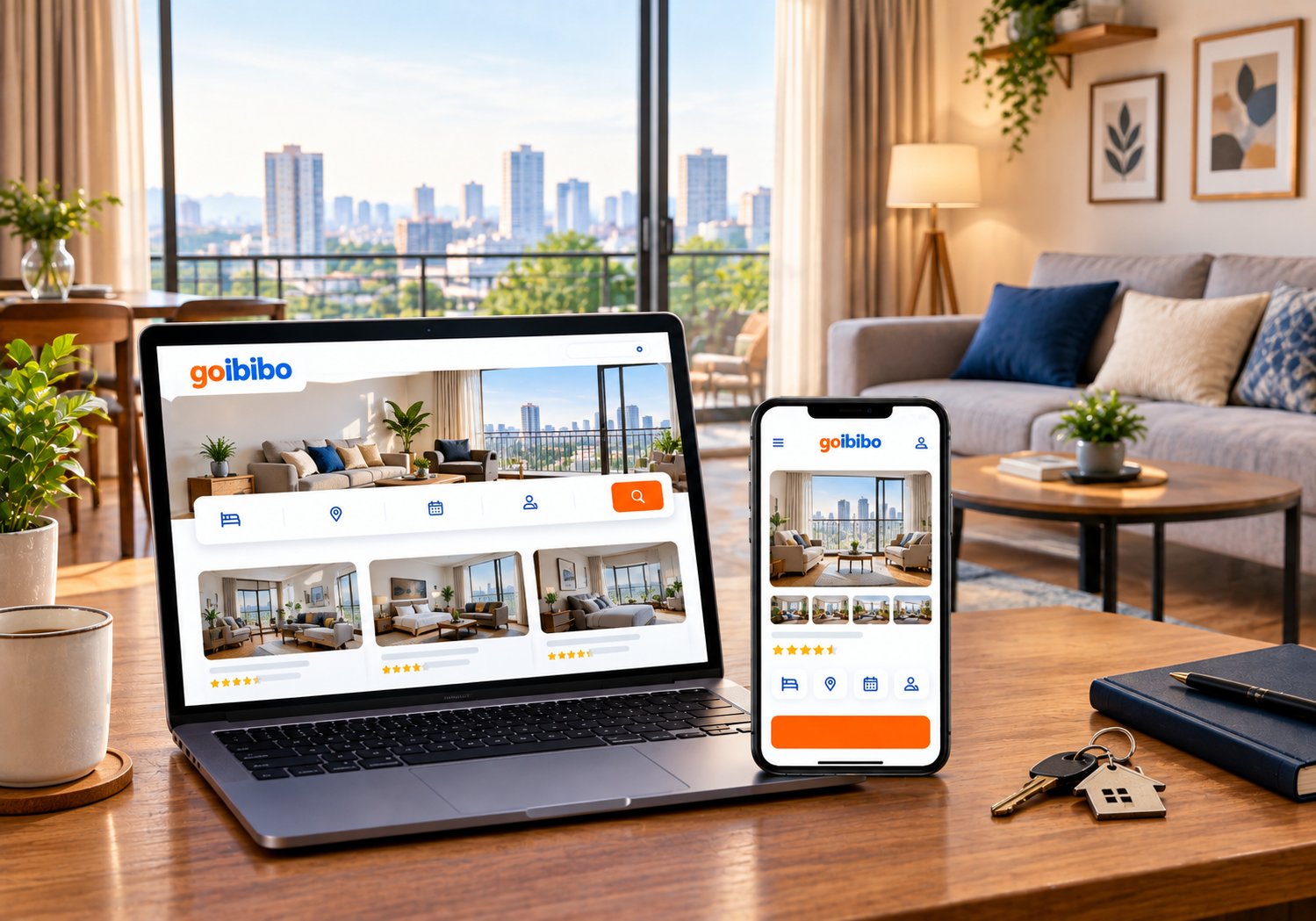
📌 Why List Your Apartment on Goibibo?
Goibibo and MakeMyTrip belong to the same group. One registration puts your property on both platforms. That means double visibility from a single setup. 🎯
Here is why owners choose to list your apartment on Goibibo:
- 🌍 Large audience: Millions of domestic travellers search these platforms.
- 💸 Free listing: Registration costs nothing. Commission applies only on confirmed bookings.
- 🏡 Apartment friendly: Serviced apartments, homestays, and villas are all accepted.
- 📱 Easy control: You manage everything from the Ingo-MMT web extranet or mobile app.
- ⏱️ Fast approval: Most listings go live in about 5 to 7 working days after validation.
Check your latest contract for exact commission terms. Rates can change by city and property type.
🧾 Documents Needed Before You List Your Apartment on Goibibo
Keep these ready before you begin. This saves time and avoids rejection. ✅
- 📄 Property proof such as a lease agreement, registry, or electricity bill
- 🪪 Aadhaar or PAN details of the owner
- 🏦 Bank account details for payouts
- 🧾 GST details, if your property is registered
- 📸 At least 4 to 5 clear property photos
- 🛏️ At least 3 photos for every room type
Hotels must upload a registration document. For homestays and villas, it is optional. Even so, we suggest uploading it. Aadhaar verification can also speed up activation. ⚡
If the owner is a spouse or parent, upload a relationship document. The property address must match your proof exactly.
🪜 How to List Your Apartment on Goibibo: 8 Simple Steps
Follow these steps in order. Each step builds on the previous one.
Step 1️⃣: Open the Partner Registration Page
Go to the Goibibo partner extranet and click “Get started for free.” Enter your full name. Choose whether you are a property owner or a channel manager. Use an email you check daily. This email becomes your username.
Step 2️⃣: Verify Your Email
Create a password and click “Register Now.” The platform sends an activation link from the GoMMT hotel partners team. Click that link. Then sign in with your new credentials. 🔐
Step 3️⃣: Select Your Property Type
Choose “Homestays & Villas” or the closest category for your property. Then pick the exact subcategory. Most apartment owners select serviced apartment or homestay. Pick the one that matches reality. Wrong categories confuse guests and reduce trust.
Step 4️⃣: Add Basic Details and Address
Enter your property name and contact details. Add the complete address with a correct map pin. Guests rely on this pin for navigation. A wrong pin leads to angry calls and bad reviews. 😬
Step 5️⃣: Add Amenities, Photos, and Policies
Select five or more amenities you truly offer. Think Wi-Fi, kitchen, parking, and air conditioning. Upload sharp, bright photos. Then write clear house rules. Add check-in time, check-out time, and your cancellation policy. 📋
Step 6️⃣: Create Room Types and Rates
Create each unit as a room type. A two-bedroom apartment and a studio need separate entries. Set your base price, occupancy, and bed details. Keep rates competitive but profitable. 💰
Step 7️⃣: Upload Documents and Bank Details
Upload your property proof and identity details. Add bank details for prepaid bookings. Enter GST details if you have them. Then confirm the final consent checkbox. A third party may verify your details.
Step 8️⃣: Open Your Availability
Update your calendar so the apartment becomes sellable. A listing without open dates earns zero bookings. Review your calendar weekly. Block dates only when needed. 🗓️
After submission, wait for validation. Most owners hear back within one working week. If the team asks for changes, fix them quickly. Delays here hurt your launch.
🏢 Who Should List Your Apartment on Goibibo?
Not every owner needs the same setup. Still, most hosts gain when they list your apartment on Goibibo. 👇
- 🏙️ Serviced apartment operators: You can fill weekday gaps with business travellers.
- 🏡 Individual flat owners: You can earn from a spare flat without hiring a big team.
- 🏘️ Multi-unit owners: You can sell many units from one account.
- 🧳 Long-stay hosts: You can attract guests who need a kitchen and space.
In our experience, owners with two or more units benefit the most. Manual work grows with every extra unit. That is why early automation matters.
🆚 Apartment Listing vs Hotel Listing: What Changes?
The steps to list your apartment on Goibibo look like a hotel listing. Yet a few details differ. Know them before you start.
- 📑 Hotels must upload a registration document. Apartments and homestays can skip it, but should still upload one.
- 🪪 Homestays and villas need identity proof such as Aadhaar.
- 🛏️ Apartments often sell as a whole unit. Hotels sell individual rooms.
- 🧼 Guests expect home-like cleanliness and a ready kitchen in apartments.
Always follow the latest instructions on the official GoMMT partner portal. Rules and screens can change. If a step looks different, trust the portal over any blog. That includes this one. 🙏
📲 Manage Your Listing on the Go
The Ingo-MMT mobile app lets you handle daily tasks from your phone. You can update rates, open dates, and check bookings. This helps owners who travel or run several flats. 📱
Still, one app only controls one platform. If you list your apartment on Goibibo and three other sites, you need one central tool. A cloud PMS and channel manager give you that control. Everything stays in sync, and you save hours each week. ⏰
📸 Photo and Content Tips That Win Bookings
Photos decide clicks. Guests judge your apartment in seconds. Use these tips when you list your apartment on Goibibo:
- 🌞 Shoot in daylight with curtains open.
- 🛋️ Show the living room, bedroom, kitchen, and bathroom.
- 🧹 Clean and declutter every corner before shooting.
- 🌆 Add a balcony or view photo if you have one.
- 📐 Use landscape photos in high resolution.
Your description matters too. Write short, honest sentences. Mention distance to the metro, airport, or market. Name nearby landmarks. Guests love specific details. 📍
Never exaggerate. Guests who find a mismatch leave poor reviews. Honest content builds long-term trust. That trust is the heart of Google’s E-E-A-T principles and of good hosting.
💰 Pricing and Availability Strategy
Many owners set a price once and forget it. This is a costly habit. Demand changes with weekends, festivals, and local events. 🎉
Use this simple approach when you list your apartment on Goibibo:
- Check rates of similar apartments in your locality.
- Raise prices on weekends and holidays.
- Offer small discounts for longer stays.
- Keep a minimum stay rule during peak dates.
- Review rates every week.
Our Competitor Rate Analyzer helps you compare nearby prices quickly. Smart pricing after you list your apartment on Goibibo can lift income without extra marketing. 📈
⚠️ Common Mistakes to Avoid
Even experienced owners slip when they list your apartment on Goibibo. Avoid these errors:
- ❌ Uploading blurry or dark photos
- ❌ Choosing the wrong property category
- ❌ Leaving the calendar closed
- ❌ Ignoring guest messages and reviews
- ❌ Mismatching the address and the document
- ❌ Updating rates manually across many sites
The last mistake is the most dangerous. Manual updates cause double bookings. A double booking means a cancelled guest and a damaged reputation. 😓
🔄 Why Smart Owners Use a Channel Manager
Most owners do not stop at one platform. They also list on Booking.com, Airbnb, and Agoda. Each platform has its own calendar. Updating them by hand is slow and risky.
A channel manager fixes this problem. It syncs rates and availability across all channels in real time. One booking blocks those dates everywhere. No more overbooking. ✅
When you list your apartment on Goibibo, connect it to a channel manager early. Our guides can help you start:
- 📘 What is a Channel Manager? Complete Guide for Hotels
- 📗 Best Channel Manager for Homestays
- 📙 MakeMyTrip Channel Manager: Best Guide for Hotels
- 📕 Channel Manager for OTAs: Complete Guide
You can also explore the SaasAro Channel Manager directly. Pair it with the SaasAro Property Management System for check-ins, billing, and reports. And use the SaasAro Booking Engine to win direct bookings with zero OTA commission. 💪
Planning to expand beyond Goibibo? Read our Booking.com Channel Manager Integration guide. Our Agoda Channel Manager Integration guide is also useful.
✅ Quick Checklist Before You Go Live
Run through this list before you submit:
- ☑️ Email verified and account active
- ☑️ Correct property type and subcategory selected
- ☑️ Address, map pin, and documents match
- ☑️ Photos uploaded for property and every room type
- ☑️ Policies, rates, and bank details added
- ☑️ Calendar open with correct inventory
If all boxes are ticked, you are ready. 🎉 Owners who list your apartment on Goibibo with a complete profile usually launch faster.
🚀 Tips to Get More Bookings After Going Live
Going live is only the beginning. Follow these habits after you list your apartment on Goibibo:
- ⭐ Reply to every review within a day.
- 📞 Respond to guest queries quickly.
- 🧼 Keep the apartment spotless.
- 🎁 Add small touches like welcome snacks.
- 📊 Track your performance every month.
Good service creates repeat guests. Repeat guests reduce your marketing cost. 💙
❓ FAQs: List Your Apartment on Goibibo
1. Is it free to list your apartment on Goibibo?
Yes, registration is free. Goibibo charges commission only on confirmed bookings.
2. How long does it take to list your apartment on Goibibo?
Most listings go live within 5 to 7 working days after validation.
3. Can I list a serviced apartment or homestay?
Yes. Goibibo accepts apartments, homestays, villas, guest houses, and hotels.
4. Do I need separate registration for MakeMyTrip?
No. One registration covers both Goibibo and MakeMyTrip.
5. Is GST compulsory to list your apartment on Goibibo?
No. GST details are needed only if your property is registered for GST.
6. Why should I use a channel manager?
It prevents double bookings and saves hours of manual updates. ⏳
7. Can I manage my Goibibo listing through a channel manager?
Yes. Goibibo works with many channel managers, and SaasAro is one of them. 🔗
8. What if my listing is rejected?
Check the feedback, fix the issue, and resubmit. Common causes are blurry photos or mismatched addresses.
📞 Ready to Grow? Book Your Free Demo with SaasAro!
Now you know how to list your apartment on Goibibo the right way. 🎯 The next step is managing it smartly. SaasAro connects Goibibo, MakeMyTrip, Booking.com, Airbnb, and 300+ channels from one dashboard.
📱 Call us: +91 75000 87037
Let SaasAro help you list your apartment on Goibibo and sell everywhere. 🏨✨