
MakeMyTrip channel manager software makes hotel distribution effortless in 2026. 🚀 It connects your property directly to India’s biggest travel platform. Rates, room availability, and bookings sync automatically, in real time. No manual spreadsheets, missed updates and no double bookings. For Indian hoteliers, MakeMyTrip brings huge domestic booking volume every single day. Managing that channel by hand wastes hours your team doesn’t have. Guests expect instant confirmations, and outdated availability drives them straight to competitors.
This guide explains how the right channel manager handles MakeMyTrip listings. You’ll also learn how to pick the best fit for your property in 2026. We’ll cover setup, common mistakes, pricing, and long-term OTA strategy. By the end, you’ll know exactly what to look for. 📊
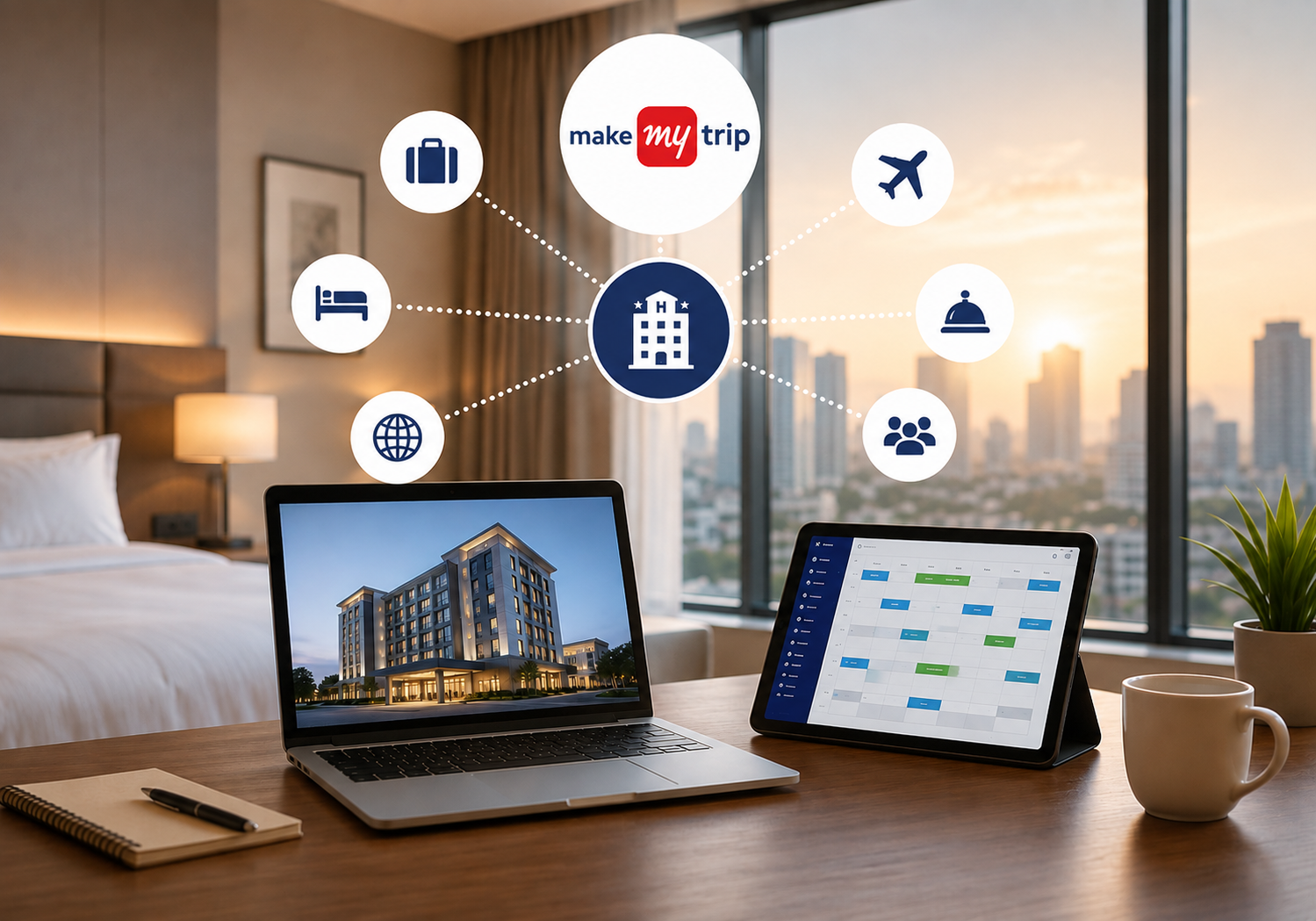
🤔 What Is a MakeMyTrip Channel Manager?
It is software that links your hotel’s inventory to MakeMyTrip’s booking system. It updates room rates and availability across every connected platform instantly. When a guest books on MakeMyTrip, your other channels update too, automatically. This single sync prevents overbooking and keeps your calendar accurate at all times.
Most modern hotels use a MakeMyTrip channel manager that connects to several OTAs at once. MakeMyTrip is usually the first priority for Indian properties. It delivers strong leisure and business travel demand, especially during peak season. Goa, Manali, Rishikesh, and Varanasi properties see particularly heavy MakeMyTrip traffic year-round.
Without this software, front-desk staff must log into each OTA extranet separately. They manually adjust rates and room counts, one platform at a time. This process is slow, repetitive, and highly prone to costly errors.
📈 Why Hotels Need Automated MakeMyTrip Sync in 2026
Manual rate updates take time and invite costly human error. A single missed update can cause overbooking or lost revenue overnight. Automated MakeMyTrip channel management removes this risk almost entirely.
Indian travel demand keeps climbing through 2026. 🇮🇳 More travelers now book directly through MakeMyTrip’s app and website. Properties without automated sync often lose bookings to faster, better-prepared competitors. Real-time updates also support smarter, dynamic pricing during high-demand dates.
Seasonal festivals and long weekends create sudden demand spikes across India. Hotels that adjust rates manually often react too slowly to capture peak revenue. An automated system adjusts instantly, matching real market demand as it happens.
Group bookings and corporate travel also depend on accurate, real-time availability. A single overbooked room during a corporate event can damage your hotel’s reputation badly. Automation protects your brand while protecting your bottom line simultaneously.
✅ Key Benefits
- ⚡ Instant rate and inventory sync across every connected channel
- 🚫 Near-zero overbooking risk from manual entry mistakes
- 💰 Stronger revenue through real-time, demand-based pricing
- ⏱️ Hours saved weekly on manual rate and availability updates
- 📱 One centralized dashboard for every OTA booking
- 🔄 Automatic booking confirmations and cancellations, handled instantly
- 👥 Reduced training burden for new front-desk staff members
- ⭐ Fewer guest complaints tied to booking or rate errors
A solid revenue management strategy depends on this kind of automation. Without it, pricing decisions always lag behind real demand. Hotels that combine automation with smart pricing consistently outperform manual competitors.
⚙️ How SaasAro Connects Your Property to MakeMyTrip
SaasAro links your property to MakeMyTrip through a secure, two-way integration. Rates and availability sync automatically, usually within seconds of any change. Bookings made on MakeMyTrip flow straight into your property management system.
Here’s how the setup typically works:
- Connect your MakeMyTrip extranet account to SaasAro’s dashboard
- Map your room types to match MakeMyTrip’s listing categories exactly
- Set base rates and inventory across every connected channel
- Enable real-time sync for rates, availability, and new bookings
- Monitor performance through one unified reports dashboard
- Review sync logs weekly to catch any mapping errors early
The full setup usually takes less than a single day. SaasAro also connects to 100+ OTAs beyond MakeMyTrip, giving you complete distribution control. This means one dashboard manages MakeMyTrip alongside every other major booking platform.
Support teams typically assist with the initial mapping process directly. This reduces setup errors and speeds up your go-live timeline significantly. Most hotels see their first automated MakeMyTrip booking within 24 hours. ⏰
📋 Automated Sync vs Manual Updates
| Factor | Manual Updates | Automated Channel Sync |
|---|---|---|
| Update speed | Hours or days | Real-time, within seconds ⚡ |
| Overbooking risk | High | Near zero ✅ |
| Staff time required | Significant daily effort | Minimal, mostly automated |
| Pricing flexibility | Slow to adjust | Instant, dynamic pricing 💰 |
| Scalability | Difficult across properties | Easy across multiple properties |
| Error rate | Higher, human-driven | Lower, system-verified |
This comparison shows exactly why automation matters for growing hotels. Manual processes simply can’t match real-time software anymore. Even a single-property hotel benefits noticeably from cutting daily manual work.
❌ Common Mistakes to Avoid
Many hoteliers connect MakeMyTrip but skip proper room mapping. This single mistake causes rate mismatches and frustrated guests. Always double-check room type mapping carefully during setup.
Another mistake is ignoring reputation management once bookings increase. More bookings always mean more reviews to monitor and answer. Fast, thoughtful responses to reviews build lasting guest trust.
Some properties also forget to set minimum stay rules. This often leads to unprofitable short bookings during your peak dates. Configure stay restrictions before your peak season begins, not during it.
A less obvious mistake is ignoring sync error notifications. Small mapping glitches can snowball into larger availability problems. Check your dashboard regularly, even after setup feels complete.
📈 Real Results: What Automation Delivers
Properties switching to an automated MakeMyTrip channel manager often see measurable gains fast. Front-desk teams report saving several hours weekly on manual updates. That saved time shifts toward guest service and upselling instead.
Occupancy also improves as rates adjust to real demand automatically. Hotels stop underpricing rooms during sudden demand spikes. They also stop overselling rooms during unexpected cancellation waves.
Fewer errors mean fewer frustrated guests at check-in. This directly improves reviews, which then improves future MakeMyTrip visibility and rankings. 🌟
🛠️ Preparing Your Property Before Going Live
A smooth launch starts well before your first automated booking arrives. Audit your current room types, rates, and photos across every listing. Inconsistent naming between platforms is a common cause of mapping errors.
Train your front-desk and reservations team before switching systems fully. They should understand how bookings now flow through one dashboard instead of many. This reduces confusion during the first busy week after launch.
Set clear house rules, check-in times, and cancellation terms in advance. These details sync across platforms too, so accuracy here matters everywhere. A short internal checklist helps your team catch gaps before guests do.
Finally, run a short test period with a few room types. Watch the sync closely for a few days before fully automating everything. This cautious approach catches small issues before they affect real guests.
🔒 Data Accuracy and Long-Term Reliability
Reliable sync depends on clean, consistent data across every connected channel. Duplicate listings or mismatched room counts can quietly cause problems over time. Regular audits keep your inventory data trustworthy for guests and staff alike.
Good providers offer clear logs showing exactly what changed and when. This transparency helps your team catch errors before they affect bookings. It also builds confidence in the automation running behind the scenes.
Long-term reliability also depends on ongoing support, not just initial setup. Software changes, OTA policies update, and your property itself evolves over time. A responsive support team keeps everything aligned as conditions change.
🎯 Choosing the Right MakeMyTrip Channel Manager
Look for a provider with proven MakeMyTrip integration experience. Check their pricing structure carefully for hidden fees or long contracts. Ask about support response times, especially during busy season.
Compare providers using resources like this SaasAro vs AxisRooms breakdown. Reading real comparisons helps you avoid costly platform switching later.
Running a resort property? Check our guide on hotel management software for resorts. Hotel chains should instead review hotel management software for hotel chains, since multi-property needs differ significantly.
Need a full cost breakdown first? See hotel management software cost for 2026 pricing. This helps you budget correctly before committing to any platform.
Also consider how easily the software scales as your property grows. A system built for single hotels may struggle across multiple locations later.
🌍 Beyond MakeMyTrip: Expanding Your OTA Reach
MakeMyTrip drives strong domestic traffic, but don’t rely on it alone. A broader channel manager for OTAs connects you to global platforms too. This diversifies your booking sources and reduces platform dependency risk.
Read our guide on hotel revenue management companies for pricing strategy tips. Combining smart channel management with revenue tactics maximizes total bookings.
International platforms bring different guest segments than MakeMyTrip alone. Balancing domestic and international channels protects revenue during seasonal shifts. A well-rounded distribution strategy rarely depends on just one OTA.
💡 Tips to Maximize MakeMyTrip Bookings
Keep your property photos updated and genuinely appealing to travelers. 📸 Listings with fresh, high-quality photos consistently convert better than outdated ones.
Respond to guest reviews quickly, whether positive or negative. MakeMyTrip’s algorithm often favors properties with active, responsive management.
Run periodic promotional rates during low-demand periods to boost occupancy. A reliable MakeMyTrip channel manager makes testing these promotions fast and risk-free.
Keep cancellation policies clear and competitive within your local market. Confusing policies frustrate guests and often hurt your conversion rates.
✅ Quick Takeaways Before You Decide
Automation removes the biggest risks tied to manual OTA management. Overbooking, rate mismatches, and slow updates all shrink significantly with the right system. Your team gains back hours every single week for guest-facing work.
Pricing stays flexible when rates adjust to real demand automatically. This directly protects revenue during both slow periods and sudden demand spikes. Reliable support matters just as much as the technology itself.
Start with a clear checklist, a short test period, and proper training. These simple steps prevent most early problems hotels face after switching systems. A steady rollout beats a rushed one every single time.
❓ Frequently Asked Questions
Q1: What does a MakeMyTrip channel manager do?
It syncs your hotel’s rates, availability, and bookings with MakeMyTrip automatically. This prevents overbooking and saves significant manual update time.
Q2: Is MakeMyTrip channel integration expensive?
Pricing varies by provider and property size. Check our pricing page for transparent, custom quotes.
Q3: How long does MakeMyTrip integration take?
Most setups complete within a single day. SaasAro’s team handles technical room mapping for you.
Q4: Can small hotels use this kind of automation?
Yes, even single-property hotels benefit from automated sync. It reduces errors regardless of property size.
Q5: Does SaasAro support other OTAs besides MakeMyTrip?
Yes, SaasAro connects to 100+ OTAs worldwide. This includes major domestic and international platforms.
Q6: What happens if sync fails temporarily?
SaasAro alerts your team immediately through the dashboard. Support staff help resolve mapping issues quickly.
💡 Final Thoughts
A MakeMyTrip channel manager is essential for Indian hotels in 2026. It eliminates manual errors and protects your revenue directly. Automated sync also frees your staff for better guest service.
Ready to stop losing bookings to overbooking mistakes? 📞 Call SaasAro today at +91 75000 87037 for a free.
Want the bigger picture first? Explore our best hotel management software guide. Or book a personalized walkthrough by calling +91 75000 87037 now. 🚀