
A Property Management System runs your hotel’s daily operations from one screen. 🏨 It handles reservations, check-ins, billing, housekeeping and reports without paper registers or messy spreadsheets.
Many Indian hoteliers still juggle WhatsApp chats, Excel sheets and handwritten notes. That works for a few rooms. It breaks the moment bookings grow.
This guide explains what a PMS does, which features matter, and how to choose wisely. We wrote it from the real hotel workflows our team sees every day at SaasAro.
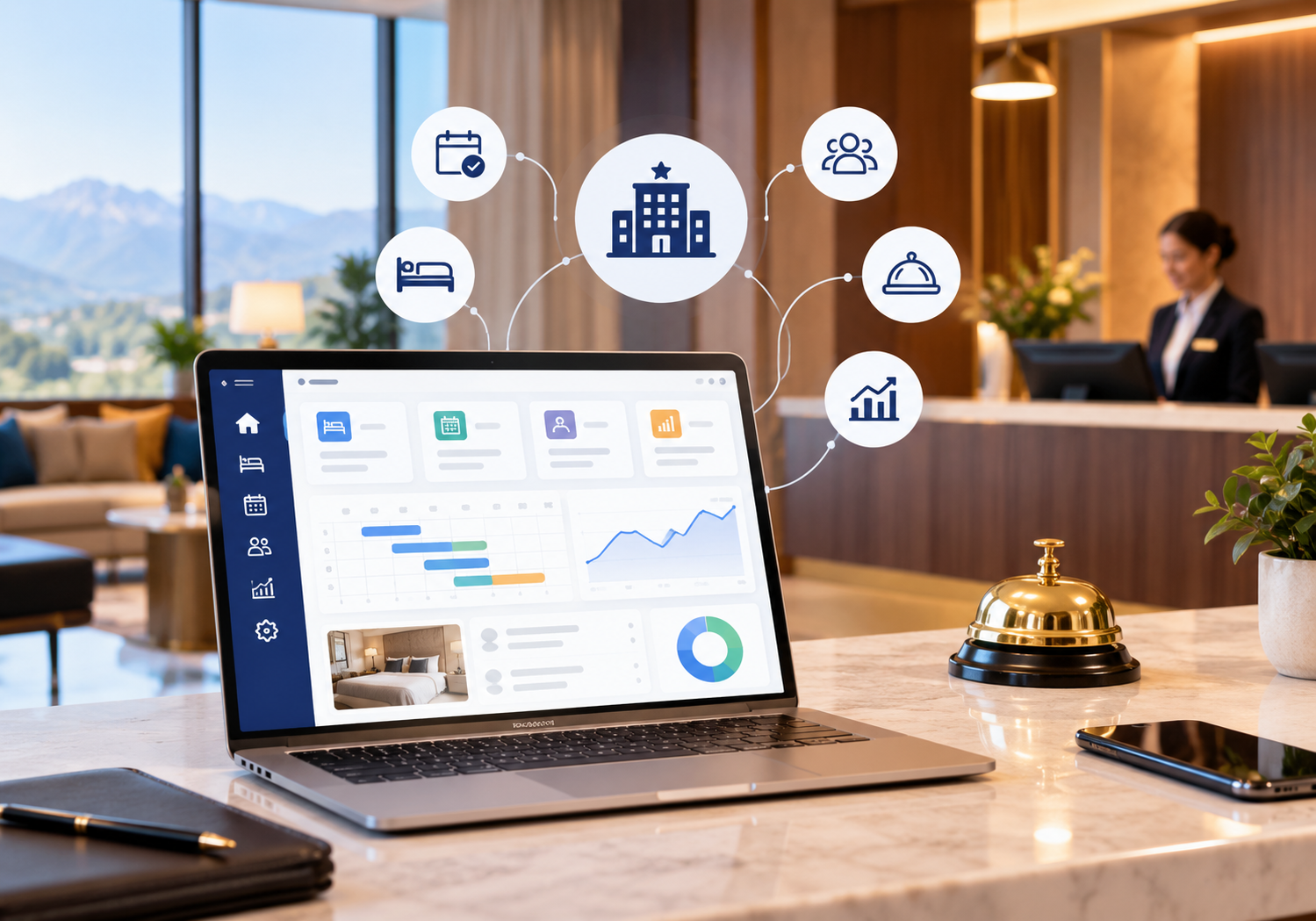
🏨 What Is a Property Management System?
Think of a PMS as your hotel’s brain. Every guest action flows through it. A booking, a payment, a room change and a complaint are all logged in one place.
Older hotel software only handled front desk tasks. Modern cloud platforms do far more. They talk to your channel manager, booking engine and accounts in real time.
It also gives owners a live view of occupancy and revenue. You can check numbers from your phone. There is no waiting for the night auditor’s report.
The result is simple. Your team spends less time typing and more time serving guests. 😊
📈 Why Every Hotel Needs a PMS
Guests expect speed. Travellers book on their phones and want instant confirmation. They also expect fast check-in and an accurate bill at checkout.
Manual work causes errors. A missed entry leads to a double booking. A wrong tax line leads to an angry guest. Fixing these costs time, money and reputation.
Here is what a good PMS gives you:
- ✅ Fewer errors: one source of truth for every room and rate.
- ✅ Faster service: check-in in minutes, not half an hour.
- ✅ Better control: staff see only what their role allows.
- ✅ Smarter decisions: reports show what sells and what does not.
- ✅ More direct bookings: your website engine reads live inventory.
Small hotels gain just as much as big chains. A ten-room homestay loses real money from one double booking. A resort loses even more during peak season. 🌴
🆚 PMS vs Manual Methods: A Quick Comparison
| Task | Manual Method | With a PMS |
|---|---|---|
| Room availability | Registers and phone calls | Live room calendar |
| Billing | Handwritten bills | Automated GST invoices |
| OTA updates | Logging in to each extranet | Auto-sync through a channel manager |
| Reporting | Month-end spreadsheets | Real-time dashboards |
| Guest history | Scattered notes | Searchable guest profiles |
The gap grows with every extra room and every extra OTA. Software scales easily. Manual effort does not.
⚙️ Core Features to Look For
Not every PMS is built equal. Check these modules before you buy anything.
1. Reservations and Front Desk 🛎️
Look for a visual room calendar. Drag-and-drop changes save hours every week. Group bookings, extensions and room moves should take seconds. Walk-ins need a fast entry form too.
2. Billing and GST Invoicing 🧾
Indian hotels need accurate GST invoices. Your system should apply tax slabs automatically. It should split bills, record advances and print clean folios. Clear bills build guest trust.
3. Channel Manager Connection 🔗
Your rooms sell on many OTAs. A connected channel manager updates rates and availability everywhere instantly. SaasAro connects to 200+ OTAs. This stops overbooking at the source.
Our guide on channel manager for hotels explains the setup in detail.
4. Direct Booking Engine 💻
A booking engine lets guests book straight from your website. You pay no OTA commission on those stays. Learn how OTA hidden fees quietly eat your margin.
5. Housekeeping and Maintenance 🧹
Staff should see dirty, clean and inspected rooms live. Housekeeping tools shorten the gap between checkout and the next check-in. Maintenance requests stay visible until someone closes them.
6. Reports and Analytics 📊
Occupancy, ADR and RevPAR should be one click away. Good reports show exactly where revenue leaks. Pair them with revenue management to price smarter. Our complete revenue management guide covers the basics.
7. Guest Feedback and Reputation ⭐
Reviews shape future bookings. Your system should capture feedback before guests leave. Reputation management helps you reply fast and fix issues early.
🧩 How a Property Management System Connects Your Hotel Tech
A PMS works best when it connects everything else. Isolated tools create double entry. Double entry creates mistakes.
Picture one booking. A guest reserves on your website. The booking engine sends it to the PMS. The PMS blocks the room. The channel manager updates every OTA. Housekeeping gets the arrival alert. Billing opens a folio. All of this happens within seconds. 🚀
Hotel groups need one more layer. They need one login for many properties. Our multi-property management module handles this. You can also read about hotel management software for hotel chains.
Not sure how these tools differ? Our explainer on channel manager vs PMS vs CRS clears up the confusion.
🧑💼 A Real-World Scenario
Here is an illustrative example. Imagine a 20-room hotel selling on four OTAs. The front desk updates each extranet by hand.
One busy weekend, a room sells twice. The second guest arrives to find no room. The hotel pays for an alternate stay and earns a poor review.
Now imagine the same hotel with a connected PMS and channel manager. The first sale blocks that room everywhere within seconds. Nothing gets oversold. The manager sleeps better. 😴
This is why we stress integration over isolated tools. One connected system beats five disconnected ones.
🔍 How to Choose the Right PMS: A 7-Step Checklist
Use this checklist when you compare vendors. It keeps your decision practical and unbiased.
- Define your needs. Count rooms, staff and OTAs. List your biggest daily pain points.
- Insist on cloud access. You should manage the hotel from any device, anywhere.
- Check GST compliance. Indian billing rules differ from global templates.
- Test the interface. Ask your front desk team to try it. Complicated screens slow everyone down.
- Verify integrations. Confirm links to your channel manager, payment gateway and booking engine.
- Ask about support. Help during peak season matters most. Get support hours in writing.
- Compare total cost. Look beyond the monthly fee. Ask about setup, training and add-on modules.
For price guidance, read our hotel management software cost breakdown. You can also view the SaasAro pricing page. Our roundup of the best hotel management software helps you compare options fairly.
🛡️ Quick Questions to Ask Every Vendor
Demos look impressive. Hard questions reveal the truth. Ask these before you sign.
- 🔎 Can I export my data if I leave?
- 🔎 Which OTAs connect natively, and which need extra fees?
- 🔎 How quickly does support respond during weekends and festivals?
- 🔎 Can I see a live demo with my own room types?
- 🔎 What training do you provide for new staff?
Honest vendors answer these clearly. Vague answers are a warning sign. Trust your instincts and check customer reviews on neutral platforms.
💡 Common Mistakes Hoteliers Make
Learn from others. These errors appear again and again.
- ❌ Buying on price alone. The cheapest tool often lacks key modules. You then pay twice.
- ❌ Skipping staff training. Even great software fails without confident users. Train in short, repeated sessions.
- ❌ Ignoring data migration. Plan how old guest records and future bookings move across.
- ❌ Leaving the channel manager unlinked. Overbooking follows quickly when inventory is not synced.
- ❌ Choosing a rigid system. Your hotel will grow. Pick software that grows with you.
Resorts face extra needs such as activities, restaurants and spa billing. Our post on hotel management software for resorts covers those cases.
🚀 How to Roll Out a Property Management System Smoothly
A good rollout takes about four weeks for most hotels. Rushing creates stress and errors. Follow this simple timeline.
- 📅 Week 1: Export room types, rates and tax settings. Clean your guest data.
- 📅 Week 2: Import records and set staff roles. Connect your OTAs and website.
- 📅 Week 3: Train front desk, housekeeping and accounts. Run mock bookings.
- 📅 Week 4: Go live and review daily. Fix small issues quickly.
Start during a quiet week. Avoid launching in the middle of a festival rush. Keep your old records safe for the first month as a backup.
🔮 PMS Trends to Watch
A modern Property Management System should offer more than basic bookings. Watch these trends before you shortlist vendors.
- 📱 Mobile-first access: Managers check occupancy and approve changes from their phones.
- 🤖 Smarter automation: Automatic confirmations, reminders and upsell messages save staff hours.
- 💳 Contactless journeys: Online check-in forms and digital payments reduce desk queues.
- 📊 Data-led pricing: Live demand signals guide your daily rates.
- 🔐 Stronger data protection: Guest privacy and secure access are now buying criteria.
🏆 Why Hoteliers Trust SaasAro
SaasAro is a cloud platform that brings your core hotel tools together. It combines a PMS, channel manager, booking engine, revenue management and reports. It is also listed in the hospitality property management category on Capterra.
Our Property Management System is built for Indian hotels, resorts and homestays. It supports GST billing, quick check-ins and live room status. It also serves hotels that sell globally across many countries.
We design every module around real front desk problems. Hoteliers tell us what slows them down, and we build fixes. See every module on our PMS page.
Want a local example? Read how we help hotels in our Varanasi hotel management software guide.
❓ Frequently Asked Questions
Q1. What does a PMS actually do?
A PMS manages reservations, check-ins, billing, room status and reports. It keeps every department working from the same live data.
Q2. Is a PMS only for large hotels?
No. Small hotels, guest houses and homestays benefit too. Fewer errors and faster service matter at every size.
Q3. What is the difference between a PMS and a channel manager?
A PMS runs hotel operations. A channel manager syncs rates and rooms with OTAs. Together they prevent overbooking.
Q4. How long does implementation take?
Most hotels go live within two to four weeks. Timing depends on room count, data quality and staff training.
Q5. Can a PMS help reduce OTA commission?
Yes, indirectly. A connected booking engine drives direct bookings on your website. Direct stays avoid OTA commission.
Q6. Is cloud-based hotel software safe?
Reputable vendors use encrypted connections and role-based access. Always ask about backups and data policies before you sign.
Q7. How much does a PMS cost?
Cost depends on rooms, modules and support. Check our pricing page and request a quote based on your property size.
✅ Final Thoughts
A Property Management System is no longer optional for serious hoteliers. It protects revenue, saves staff time and improves every guest stay. Choose a platform that fits your hotel today and scales tomorrow. 🌟
Start with a clear checklist. Test the software with your own team. Then connect your channel manager and booking engine for full control.
🎁 Ready to simplify your hotel operations?
👉 Book Your Free Demo
📞 Call us: +91 75000 87037