
Want more direct guests without paying heavy commissions? 🎯 You should List Your Property on Trivago. Trivago is a hotel metasearch engine. It compares prices from many booking sites in one place. Travelers see your rates beside the big OTAs. That visibility can bring high-intent guests straight to you.
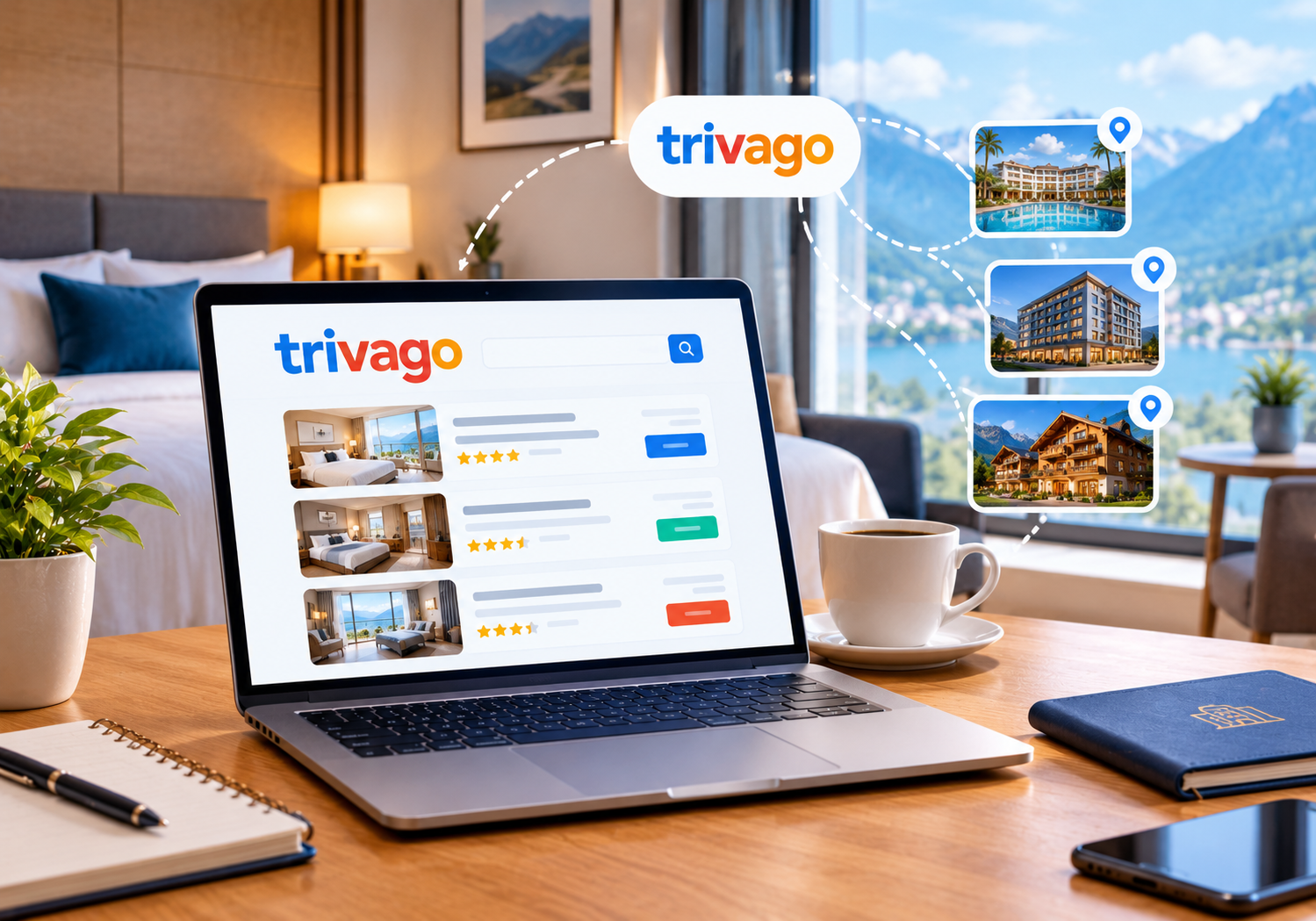
🔍 What Is Trivago and How Does It Work?
Trivago is not an OTA. It does not sell rooms itself. Instead, it shows prices from booking sites and hotel websites.
Here is the simple traveler journey:
- 🔎 A traveler searches for a city or hotel on Trivago.
- 💰 Trivago shows prices from several booking sites.
- 👆 The traveler clicks the deal they like.
- 🏨 The booking is completed on the partner’s site.
So your Trivago presence depends on your rates elsewhere. If your OTA rates are stale, your Trivago price suffers too. That is why rate control matters so much.
📈 Why You Should List Your Property on Trivago
Many Indian hotels depend heavily on two or three OTAs. That model is risky. Commissions keep rising, and rankings keep changing.
A strong Trivago presence helps you in four ways:
- 🌍 Wider reach: Millions of travelers compare hotel prices on Trivago every month.
- 🎯 Better intent: Users on metasearch are close to booking.
- 🧾 Lower cost options: A direct rate can compete without full OTA commission.
- 🛡️ Less OTA dependence: More channels mean steadier occupancy.
Our team has seen this pattern across many client properties. Hotels that control their profile and rates usually look more trustworthy. Travelers click what looks complete and consistent.
Read our guide on OTA hidden fees for hotels to see why diversifying channels protects your margins. 💡
⚔️ Trivago vs OTAs: What Is the Real Difference?
Many owners confuse metasearch with OTAs. The difference changes your strategy.
- 🏷️ OTAs sell rooms. They take a commission on each booking.
- 🔍 Trivago compares prices. It sends travelers to a partner site.
- 🤝 You need both. OTAs feed price data, while metasearch drives clicks.
Think of Trivago as a shop window. Your OTAs and website are the doors. A smart hotel keeps every door open and every price consistent.
Our Booking.com channel manager integration guide shows how clean OTA data supports your wider channel mix. 🔌
🆓 Is Trivago Free? Business Studio vs Business Studio+
Trivago offers a free tool called Business Studio. It lets you manage your property profile. You can update details, add photos, and view performance data.
Trivago also offers Business Studio+. It is a paid annual subscription. It adds promotional tools such as Hotel Offers and Hotel Connect. These help you stand out in search results.
Start with the free version. Upgrade only when your listing is complete and your rates are stable. Paying for visibility before fixing basics wastes money. 💸
✅ Note: Trivago features and pricing can change. Always confirm current plans inside your Business Studio account.
🛠️ Step-by-Step: How to Get Your Hotel Live on Trivago
Follow these steps in order. Each one builds on the last.
Step 1: Check If You Already Have a Listing 🔎
Many properties already appear on Trivago. Data often flows in from OTAs. Search your hotel name first. Then note what the profile shows. Look for wrong photos, old addresses, or missing amenities.
Step 2: Register on Trivago Business Studio 📝
Go to Trivago Business Studio and create a free account. Then claim your property. Use an official email linked to your business. This is the first real action to List Your Property on Trivago with full control.
Trivago may ask you to verify ownership. Keep your business documents ready.
Step 3: Complete Your Property Details 🏷️
A complete profile earns more clicks. Fill in every field you can.
- 📍 Exact address and map location
- 🛏️ Room types and capacity
- 🍽️ Meals, Wi-Fi, parking, and pool details
- 📞 Official contact details
- 🕒 Check-in and check-out times
Keep names consistent everywhere. Use the same hotel name on your website, OTAs, and Google profile. Consistency builds trust with both travelers and search engines.
Step 4: Upload High-Quality Photos 📸
Photos decide clicks. Use bright, sharp images. Show rooms, bathrooms, views, and common areas. Avoid heavy filters. Travelers dislike surprises at check-in.
Use at least ten strong images. Lead with your best room or view.
Step 5: Connect Through a Channel Manager 🔗
This is where most hotels struggle. Rates and availability must match across all channels. Manual updates cause errors and overbooking.
A channel manager pushes updates to your OTAs automatically. SaasAro connects to 200+ OTAs from one dashboard. You can learn more on our channel manager page. Our channel manager for hotels guide explains the basics step by step.
Step 6: Explore Rate Connect for Direct Bookings 🎁
Trivago offers a tool called Rate Connect. It lets you show your own website rates on Trivago. Guests then book directly with you.
To use it, you generally need two things. You need a booking engine, and you need a connectivity partner. Ask our team which options fit your setup.
A strong booking engine turns Trivago clicks into confirmed direct bookings. Speed and mobile design matter here. 📱
🔗 Why a Channel Manager and PMS Make Trivago Work
Listing is only half the job. Daily operations decide results.
Imagine a room sells on one OTA at noon. If the other channels stay open, you risk a double booking. That hurts reviews and costs money.
A connected system fixes this:
- ⚡ Availability updates in near real time.
- 💲 Rates stay consistent across channels.
- 📊 Reports show which channel performs best.
- 🧹 Housekeeping sees live room status.
Your property management system becomes the single source of truth. Not sure how the tools differ? Read our comparison of channel manager vs PMS vs CRS. 🤝
You can also explore the reports module to track channel-wise revenue. Data helps you decide where to push offers.
💰 Pricing Smartly for Metasearch
Metasearch is a price-first platform. Travelers compare quickly. Even a small gap can lose the click.
Follow these pricing habits:
- ⚖️ Maintain rate parity: Keep your direct rate equal to or better than OTA rates.
- 📅 Use seasonal pricing: Raise rates for festivals and long weekends.
- 🎁 Add value, not just discounts: Offer breakfast or late checkout.
- 🔄 Review weekly: Check competitor prices every week.
Smart pricing needs good tools. Our revenue management software suggests rates using demand patterns. You can also read the complete hotel revenue management guide for deeper strategy. 📚
⭐ Reviews and Reputation Matter
Trivago shows review ratings beside your price. Guests trust ratings before they click. A low score can hide a great rate.
Improve your score with simple actions:
- 💬 Reply to every review politely.
- 🙏 Ask happy guests to leave feedback.
- 🛠️ Fix repeated complaints fast.
- 📷 Keep photos honest and current.
Our reputation management tool gathers reviews in one place. This saves hours each week. 🕐
✅ Pre-Launch Checklist for Your Trivago Profile
Run this quick audit before you push rates live:
- ☑️ Your hotel name matches your website and OTAs.
- ☑️ Every room type has a clear name and description.
- ☑️ Photos are recent, bright, and correctly ordered.
- ☑️ Cancellation policies match across all channels.
- ☑️ Taxes and GST are shown correctly in your rates.
- ☑️ Your booking page loads fast on mobile data.
- ☑️ Contact details reach a real person quickly.
This ten-minute audit prevents most early problems. Guests who see accurate details book with more confidence. 😊
❌ Common Mistakes Hotels Make on Trivago
Avoid these errors to protect your results:
- 🚫 Ignoring the profile after the first setup.
- 🚫 Using different hotel names across channels.
- 🚫 Letting direct rates run higher than OTA rates.
- 🚫 Skipping mobile testing on the booking page.
- 🚫 Paying for upgrades before fixing basics.
- 🚫 Updating availability by hand across channels.
Each mistake is easy to fix. Start with one this week. 🏁
🧠 Expert Tips from Our Hospitality Team
We work with independent hotels, resorts, and multi-property groups. These tips come from that daily work:
- 🥇 Treat your Trivago profile like a second website.
- 🗓️ Audit your listing every month.
- 📲 Test your booking path on a real phone.
- 🔐 Keep login access with a trusted manager.
- 📈 Track clicks, bookings, and cost per booking.
📌 A Simple 30-Day Plan
- 🗓️ Week 1: Claim your profile and fix all basic details.
- 📸 Week 2: Upload strong photos and align policies.
- 🔗 Week 3: Connect your channel manager and test rates.
- 📊 Week 4: Review clicks, bookings, and rate gaps.
Small, steady steps beat one big rush. Repeat the review every month. 🔁
Running several hotels? Our multi-property management tool keeps every property organized. Chains can also read about hotel management software for hotel chains. 🏢
Curious about overall costs? See our hotel management software cost guide and the pricing page. 💼
🧭 Why Trust This Guide?
This guide reflects hands-on work with Indian hotels, resorts, and homestays. We follow Trivago’s own Business Studio tools and public guidance. We avoid made-up numbers and risky shortcuts. Platform rules change often, so verify key details inside your account. Honest, accurate information protects both your guests and your brand. 🛡️
❓ Frequently Asked Questions (FAQs)
Q1. What is Trivago and is it an OTA?
Trivago is a metasearch engine. It compares prices from booking sites and hotel websites. Guests complete the booking on the partner’s platform. It is not a traditional OTA.
Q2. Is it free to List Your Property on Trivago?
Yes, creating and managing a profile in Business Studio is free. A paid plan called Business Studio+ is optional. It adds promotional tools. Confirm current details inside your account.
Q3. Do I need a channel manager for Trivago?
You can start without one. However, a channel manager keeps rates and availability accurate. This prevents overbooking and rate gaps. It also supports direct-rate tools like Rate Connect.
Q4. How long does it take to go live?
Registration takes a few minutes. Verification and rate connections may take longer. Timing depends on your partners and data quality.
Q5. Can homestays and guest houses join Trivago?
Yes. Independent hotels, guest houses, and B&Bs can register. Complete profiles perform better. Accurate photos and amenities matter most.
Q6. How can I get more direct bookings from Trivago?
Keep your direct rate competitive. Use a fast booking engine. Maintain strong reviews. Use Rate Connect if your setup supports it.
Q7. What if my profile has wrong information?
Claim your property in Business Studio. Then correct the details yourself. Review the profile monthly to catch new errors.
🏁 Final Thoughts
Metasearch rewards hotels that stay accurate and competitive. Complete profiles, sharp photos, and consistent rates win clicks. Smart tools keep everything in sync.
If you want steady direct bookings, List Your Property on Trivago and manage it with care. Pair it with a reliable channel manager and booking engine. Then watch your channel mix improve. 🌟
📞 Ready to List Your Property on Trivago?
Let SaasAro handle your channels, rates, and reports in one place. 🎉
- 🎁 Book Your Free Demo
- 📱 Call Us Now: +91 75000 87037