
List Your Campground on Expedia and put your sites in front of millions of active travelers. 🌲
Camping demand keeps rising, and guests now book pitches, cabins, and glamping tents online. Owners who stay offline often lose bookings to competitors with better visibility.
This guide shows you how to list your campground on Expedia without confusion or costly mistakes. ✅ You will also learn how to sync rates, avoid double bookings, and grow direct sales.
Our team has helped 10,000+ properties manage online distribution, so this advice comes from real experience.
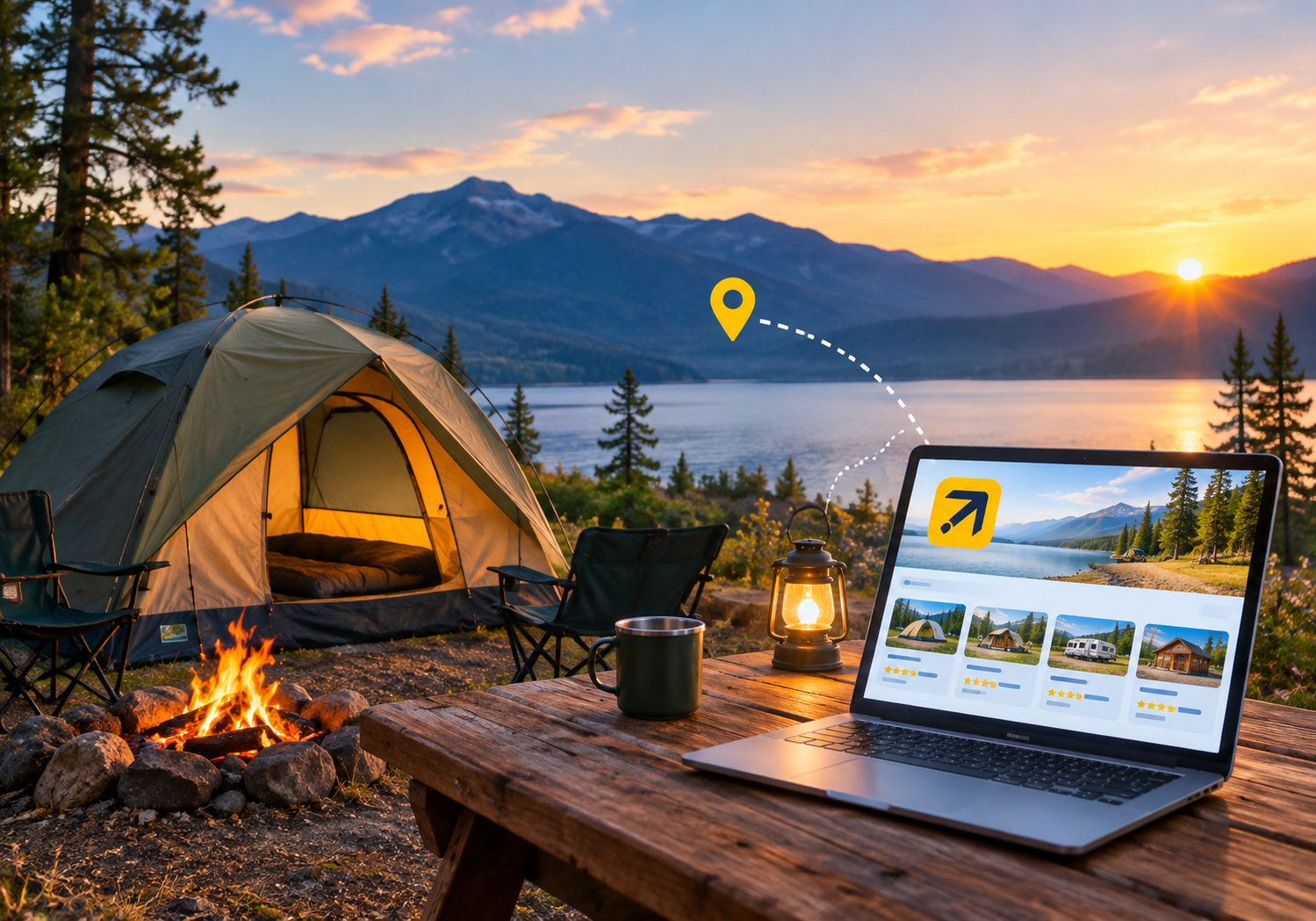
Why Should You List Your Campground on Expedia? 🤔
Expedia is one of the world’s largest online travel platforms. Travelers use it to compare stays, read reviews, and book within minutes.
When you list your campground on Expedia, you gain exposure to guests who are ready to book.
- 🌍 Global reach: Your campground appears to international and domestic travelers.
- 💳 Trusted checkout: Guests feel safe paying through a familiar brand.
- 📈 More demand: Extra visibility helps you fill off-peak dates.
- ⭐ Social proof: Verified reviews build trust with first-time campers.
Many owners decide to list your campground on Expedia before joining any other channel.
What You Need Before You Start 📋
Good preparation saves hours during setup. Before you list your campground on Expedia, gather these items:
- 📄 Business license and valid tax details
- 📸 Sharp photos of sites, cabins, and facilities
- 📍 Exact address and GPS location
- 🛏️ Site types, capacity, and amenities
- 💰 Base rates, taxes, and fees
- 📜 Cancellation and house policies
- 🏦 Bank details for payouts
Keep everything in one folder so you can upload quickly.
Step-by-Step Guide to List Your Campground on Expedia 🪜
Follow these steps in order for a smooth approval.
Step 1: Create Your Partner Account 👤
Visit Expedia Group’s Partner Central and start a new property registration. Enter your business email and contact details.
Choose the property type that best matches your campground. Options may include campground, cabin, or glamping, depending on your region. Expedia updates its forms often, so confirm current requirements on their site.
Step 2: Add Property Details 🏡
Next, describe your campground clearly. Add your name, address, check-in times, and nearby attractions.
Mention features like fire pits, hookups, showers, and pet policy. Accurate details reduce guest complaints and cancellations.
Step 3: Upload Great Photos 📷
Photos decide whether a traveler clicks or scrolls. Show sunrise views, tent pads, cabins, and shared facilities.
Use bright, sharp images without heavy filters. Aim for at least fifteen photos to build trust.
Step 4: Set Up Site Types and Rates 💵
Create each site or unit type as a separate room type. Set occupancy, bed setup, and amenities for each one.
Then add nightly rates, taxes, and weekend pricing. Consider a starter promotion to attract early reviews.
Step 5: Add Policies and Payments 🔐
Choose a cancellation policy that fits your cash flow. Add deposit rules, quiet hours, and pet or fire rules.
Connect your payout method and confirm tax settings.
Step 6: Verify and Go Live ✅
Expedia reviews your submission and may request documents. Respond quickly to speed up approval.
Once approved, you can list your campground on Expedia publicly and start accepting bookings.
Is Expedia Right for Your Campground? 🧭
Expedia works best for campgrounds with clear amenities and reliable service. It suits RV parks, glamping resorts, cabin camps, and family campgrounds.
Remote primitive sites may need extra detail about access and facilities. Guests booking through large travel platforms expect accuracy.
So describe road conditions, water access, and cell coverage honestly. Honest information protects your reputation and reduces refunds.
Tips to Make Your Listing Stand Out ✨
A live listing is only the beginning. These tips help you rank higher and convert more views.
- 🏷️ Write a unique title and a clear description.
- 🌟 Highlight what makes your campground special.
- 📆 Keep your availability calendar accurate.
- 💬 Reply to every review politely and quickly.
- 🎯 Raise rates on peak weekends and holidays.
To list your campground on Expedia successfully, treat photos and replies as daily priorities.
Photography Tips That Win Bookings 📸
Visuals drive most travel decisions. Shoot during golden hour for warm, natural light.
Capture wide shots of the full campground layout. Include close-ups of bathrooms, kitchens, and fire pits.
Show real guests enjoying activities, with permission. Add photos for each season if you operate year-round.
Strong visuals make your listing stand out in crowded search results.
Common Mistakes to Avoid ⚠️
Many first-time owners repeat the same errors. Avoid these problems when you list your campground on Expedia:
- ❌ Uploading blurry or outdated photos
- ❌ Forgetting to update rates after seasonal changes
- ❌ Ignoring guest messages and reviews
- ❌ Managing calendars manually across many channels
- ❌ Skipping tax and policy details
Manual updates cause overbookings, and overbookings hurt your ratings. One missed update can cost you a guest and a bad review.
Why You Need a Channel Manager 🔄
Expedia is rarely your only channel. You may also sell on Booking.com, Airbnb, Agoda, and your own website.
Updating each calendar by hand wastes time and invites mistakes. A channel manager fixes this problem.
It syncs rates and availability across every channel in real time. SaasAro’s Channel Manager connects with 300+ OTAs, including Expedia.
So when you list your campground on Expedia, your inventory stays accurate everywhere. 🎯
Pair it with the Property Management System to handle check-ins, housekeeping, and reports in one dashboard.
Owners with several campsites can use Multi-Property Management to control every location together.
Smart Pricing Strategy for Campgrounds 💰
Pricing decides how fast your sites sell. Camping is seasonal, so static rates leave money on the table.
Review demand patterns before you list your campground on Expedia. Then adjust rates for holidays, long weekends, and local events.
SaasAro’s Revenue Management System helps you price with data instead of guesswork.
Its Competitor Rate Analyzer shows what nearby campgrounds charge each day. Add minimum-stay rules for peak weekends to avoid gaps.
Use these insights to protect your margins.
Grow Direct Bookings Beyond Expedia 🌐
Online travel agencies bring reach, but they also charge commission. Smart owners use Expedia to gain visibility and then build direct loyalty.
A fast Web Booking Engine lets guests book straight from your site.
A modern Website Builder helps you launch an SEO-friendly campground website quickly.
Use Reputation Management tools to collect reviews and answer feedback faster. This strategy lowers commission costs over time.
Even after you list your campground on Expedia, direct bookings should remain your long-term goal.
How to Handle Reviews and Guest Messages 💬
Reviews shape your ranking and your reputation. Reply within a day, whether feedback is positive or negative.
Thank happy guests and mention specific details. Respond to complaints calmly and offer a clear fix.
Use feedback to improve facilities and service. SaasAro’s Feedback Capturing System helps you collect guest opinions after every stay.
Seasonal Preparation Checklist 🗓️
Prepare early for peak camping months.
- 📷 Update photos before the season opens.
- 📊 Check rates against last year’s occupancy.
- 🧪 Test your booking flow from a guest’s view.
- 🌦️ Review cancellation rules for weather changes.
- 👥 Train staff to answer messages within hours.
Early preparation helps you capture high-demand dates.
Expert Isights and Best Practices 🧠
Experience shows that consistency beats occasional effort. Review your listing performance every month.
Test new photos, refresh descriptions, and track conversion changes. Always check Expedia’s latest partner guidelines, because policies and fees can change.
Local regulations, safety rules, and permits also matter for campgrounds. Confirm these before you list your campground on Expedia to stay compliant. 🛡️
Measure Your Success 📈
Track a few key numbers every month. Watch occupancy, average daily rate, and booking lead time.
Compare performance across channels to find your best source. Use Reports to see trends in one place.
Set goals for each season, such as higher occupancy or better reviews. Small improvements compound across a full season.
How SaasAro Supports Campground and Hotel Owners 🤝
SaasAro is a cloud-based hotel commerce platform built for modern hospitality businesses. It brings your PMS, channel manager, booking engine, and reports into one system.
Properties of every size use it, from homestays to large chains. Our support team guides you through onboarding and daily operations.
You can also read more guides on the SaasAro Blog. Learn about our mission on the About Us page.
❓ Frequently Asked Questions (Q&A)
Q1. Is it free to list your campground on Expedia?
Expedia usually earns commission on completed bookings rather than charging a large upfront fee. Commission rates differ by region and property type. Always confirm current terms inside Partner Central before signing.
Q2. How long does it take to list your campground on Expedia?
Setup can take a few hours if your documents and photos are ready. Approval timing depends on verification and your region. Quick responses to Expedia’s requests usually speed things up.
Q3. What documents do I need to list your campground on Expedia?
You typically need business registration, tax information, property photos, and payout details. Some regions also ask for local permits or safety certificates. Check Expedia’s current checklist before applying.
Q4. Do I need a channel manager after I list your campground on Expedia?
It is not mandatory, but it is strongly recommended. A channel manager prevents double bookings and saves daily admin time. SaasAro syncs Expedia with 300+ other channels instantly.
Q5. Can glamping tents and cabins also be added when I list your campground on Expedia?
Often yes, depending on your region and Expedia’s property categories. Create separate room types for tents, cabins, and RV pitches. This keeps pricing and availability clear.
Q6. What is the easiest way to list your campground on Expedia and stay organized?
Use a connected channel manager and PMS from day one. SaasAro keeps rates, inventory, and bookings synced in one dashboard. You spend less time on admin and more time hosting guests.
Final Thoughts 🌟
Online visibility is now essential for campground growth. If you want steady bookings, list your campground on Expedia and manage it carefully.
Prepare your documents, upload strong photos, and set smart rates. Then connect a channel manager so every calendar stays accurate.
Follow the steps above, and you can launch with confidence. 🏕️ Keep improving month after month, and your occupancy will follow.
🚀 Ready to Grow Your Bookings?
Let SaasAro handle the heavy lifting while you focus on guests. Sync Expedia and 300+ channels from one simple dashboard.
👉 Book Your FREE Demo: https://saasaro.com/contact-form.php
📞 Call Us Today: +91 75000 87037