
Want to list your apartment on Trivago and reach travellers who compare prices before booking? 🎯 You are in the right place. Trivago is a huge travel search engine. It works very differently from a normal booking website. Many owners get confused at this point. This guide clears every doubt in simple steps. We cover setup, pricing, photos, and common mistakes. You will also see how a channel manager saves hours every week. ⏱️
🔍 What Is Trivago and How Does It Work?
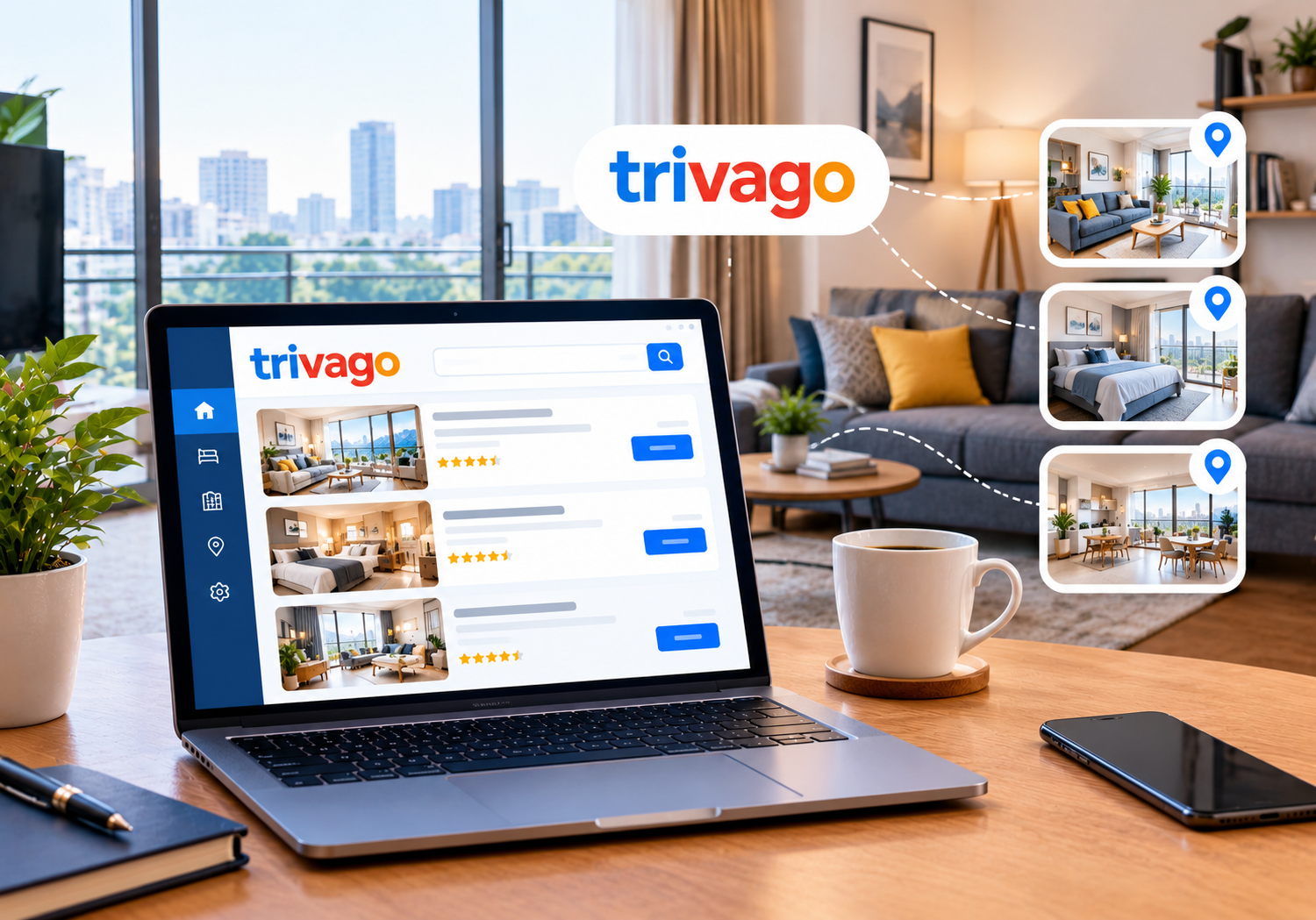
Trivago is a metasearch engine for hotels and apartments. It does not sell rooms itself. Instead, it compares prices from many booking sites in one place.
Here is a simple example. A guest searches for Jaipur with fixed dates. Trivago shows your apartment with prices from different sellers. The guest then clicks one offer. The booking happens on the seller’s website, not on Trivago.
💡 So Trivago sends traffic, and another website completes the sale. Its income mainly comes from clicks that booking partners pay for. That is why owners usually pay nothing just to appear.
📈 Why Apartment Owners Should Care
Guests compare prices more than ever. They open many tabs before they decide. Being visible during that comparison gives you a real edge.
If you plan to list your apartment on Trivago, treat it as a visibility channel. It is not a booking site. Here is what you gain:
- 👀 Reach: Your apartment appears next to big names in search results.
- 🎛️ Control: A free owner account lets you manage your profile details.
- 💸 Savings: Direct bookings can reduce your commission costs.
- 🤝 Trust: Clear photos and correct details build guest confidence.
Apartments face one extra challenge. Guests often cannot tell them apart from hotels at first glance. Strong content solves this problem quickly.
🏘️ Apartment vs Hotel: What Changes on Trivago?
Hotels and apartments follow the same basic path. Still, a few details differ. Hotels usually sell fixed room types. Apartments often sell whole units with kitchens and extra space.
Guests expect different information from apartments. They want to know bedrooms, beds, and floor level. Families and long-stay guests also check kitchen items and laundry access. State these details clearly.
Apartment guests also ask about check-in. Say whether you offer self check-in, a caretaker, or a front desk. Clear answers reduce messages before arrival. They also reduce complaints later.
Use consistent unit names everywhere. For example, call it “2BHK Lake View Apartment” on every channel. Matching names help platforms connect your listings correctly. 🔗
✅ Before You Start: What You Need
Preparation saves time later. Keep these items ready before you open any account:
- 🌐 An active listing on at least one booking site, or your own website
- 📍 Your exact property name, address, and phone number
- 📸 At least ten sharp, bright photos of rooms, kitchen, and views
- 🛋️ A complete list of amenities and house rules
- 📧 A working business email for verification
- 💰 Your standard rates and cancellation policy
Trivago usually expects your property to exist on a booking source first. Rules can change, so always check Trivago’s official partner pages. We recommend this habit for every platform.
🪜 How to List Your Apartment on Trivago in 5 Steps
Follow these steps in order. Each one builds on the last.
Step 1: Get Listed on a Booking Source 🏢
Trivago pulls prices from booking partners. Your apartment needs a live listing somewhere first. Good options include Booking.com, Expedia, Agoda, or your own website. Our guide on Booking.com channel manager integration explains the first connection clearly.
Step 2: Create a Free Business Studio Account 🆓
Trivago offers a free owner portal called Business Studio. Register with your business email. Confirm the link that arrives in your inbox. Use the same contact details that appear on your other listings.
Step 3: Find and Claim Your Property 🔎
Search for your apartment by name and city. Select the correct match and submit your details. Trivago may ask for proof that you manage the property. If you cannot find it, check your OTA listing first.
Step 4: Complete Your Profile ✍️
Add your address, phone number, website, and amenities. Upload strong photos and write a clear description. Incomplete profiles look careless. Guests skip them fast.
Step 5: Connect Your Rates and Availability 🔄
Prices must stay accurate across every channel. Manual updates cause errors. Use a channel manager, or Trivago’s own rate tools, to keep calendars in sync. Some advanced Trivago features may carry fees. Review current terms before you opt in.
📸 Optimise Your Apartment Profile for More Clicks
A listing without effort gets ignored. Small improvements bring big results.
Photos: Lead with your best image. Show the living room, bedroom, kitchen, and balcony. Use natural light. Avoid clutter and filters.
Description: Write in plain words. Mention nearby metro stations, markets, and attractions. Be honest about stairs, parking, and noise. Honest details reduce bad reviews.
Amenities: Tick every feature you truly offer. Wi-Fi, air conditioning, kitchen, and power backup matter a lot. Never claim what you cannot deliver.
Reviews: Guest ratings influence the final click. Reply to every review politely. Our reputation management tool helps you track feedback in one dashboard.
💰 Pricing, Parity, and Direct Booking Tips
Price comparison sites reward fair, consistent rates. Parity means your price stays equal across channels. If your own site shows a higher rate, guests click elsewhere.
Follow these simple rules:
- ✅ Keep rates equal on every connected channel
- ✅ Offer a small perk on direct bookings, like free breakfast
- ✅ Update seasonal prices early, before festivals and weekends
- ✅ Watch commission costs on each platform
Hidden costs can eat your profit quietly. Read our breakdown of OTA hidden fees for hotels to spot them early. A simple booking engine on your website then captures direct reservations.
Smart pricing also matters. Our revenue management tool suggests rates based on demand. You can also read the complete hotel revenue management guide for deeper strategy.
🔗 Why a Channel Manager Makes Everything Easier
Running one apartment on five platforms is tiring. Running ten is nearly impossible by hand. A channel manager solves this problem.
It connects your calendar to all your booking channels. When one room sells, every channel updates instantly. This prevents double bookings and angry guests. 😅
SaasAro connects to 200+ OTAs from one simple dashboard. You can manage rates, availability, and reservations together. Explore our channel manager to see how it works.
Here is how the pieces fit together:
- 🗓️ The channel manager for hotels syncs rates and availability
- 🧾 The property management system handles check-ins and billing
- 📊 Reports show which channel earns the most
- 🏘️ Multi-property management suits owners with many apartments
Confused about these tools? Our guide on channel manager vs PMS vs CRS explains each role. Larger operators can also read about hotel management software for hotel chains.
Worried about cost? Check our honest guide to hotel management software cost and our pricing page.
📅 Your 30-Day Action Plan
A plan keeps you focused. Use this simple monthly roadmap:
- 🗂️ Week 1: Gather photos, rates, and policies. Create or verify your OTA listing.
- 🖥️ Week 2: Open Business Studio. Claim your property and finish the profile.
- 🔌 Week 3: Connect your channel manager. Test rates and availability on every channel.
- 📈 Week 4: Review clicks, reviews, and bookings. Fix gaps and adjust prices.
Repeat this review every month. Small tweaks compound over time.
📊 How to Measure Your Results
Good owners track numbers, not guesses. Watch these metrics each month:
- 👁️ Profile views and clicks
- 🛎️ Direct bookings versus OTA bookings
- 💵 Average daily rate
- 🏠 Occupancy across weekdays and weekends
Compare your numbers before and after each change. This shows what truly works. Track direct bookings separately. They reveal whether Trivago visibility helps your own website.
⚠️ Common Mistakes to Avoid
We see the same errors again and again. Avoid these traps:
- ❌ Using different phone numbers on different platforms
- ❌ Uploading blurry or dark photos
- ❌ Forgetting to update rates after a festival
- ❌ Ignoring guest reviews for weeks
- ❌ Mismatched property names across channels
- ❌ Assuming Trivago takes bookings directly
Each mistake looks small. Together, they cost you real revenue.
🧠 Our Experience: What Apartment Owners Tell Us
At SaasAro, we work with hotels, resorts, and apartment operators across India. One pattern appears often. Owners spend hours on manual updates, yet miss the basics.
Clean data wins. Consistent names, accurate photos, and synced rates build trust with both guests and platforms. 🏆
This article is written by Ashish Yadav from the SaasAro content team. We focus on hospitality distribution and booking technology. Platform rules change often, so verify key steps on Trivago’s official partner pages before you act.
Own a hotel-style property instead? Read our guide on listing your property on Trivago for hotel-specific steps.
❓ Frequently Asked Questions
Q1. Is it free to list your apartment on Trivago?
Joining Trivago’s free owner portal costs nothing. Some advanced marketing tools may charge fees. Always read the current terms first.
Q2. Does Trivago take bookings directly?
No. Trivago compares prices and sends guests to booking websites. The reservation happens on the partner site.
Q3. Do I need an OTA listing first?
Usually yes. Trivago generally relies on booking sources for prices. A live listing on one OTA or your website is the common starting point.
Q4. How long before my apartment appears?
Timing varies by platform and listing quality. Complete profiles and synced rates tend to move faster. Check your owner account for status updates.
Q5. Can a channel manager help with Trivago?
Yes. It keeps rates and availability accurate everywhere. That reduces errors and protects your reputation.
Q6. Is Trivago worth it for one apartment?
It can be. Visibility costs little, and direct bookings improve margins. Start small, measure results, and then expand.
🎯 Final Thoughts
Now you know how to list your apartment on Trivago the smart way. Start with a live booking source. Then claim your profile, polish your content, and keep rates consistent. 🌟
Do not forget the basics. Accurate data, honest photos, and fast replies win guests every time. A channel manager keeps everything running while you focus on hospitality. 💛 Start today, stay consistent, and review your results every month. Steady effort beats sudden bursts. 📆
📞 Ready to Grow Your Bookings?
Let SaasAro handle the heavy lifting. Our team will show you everything in a short, friendly session.
📲 Call us today: +91 75000 87037