
Expedia API connectivity for hotels is the fastest way to keep rates, inventory and bookings in sync. 🚀 Manual updates on the Expedia extranet waste hours every single day. They also cause overbookings and rate mismatches. No Indian hotelier can afford either problem.
Our team at SaasAro works with hotels and resorts across India on OTA distribution. This guide shares what we see working on real properties. It also follows how Expedia Group describes its own connectivity programme. 📘
What Is an API Connection, Really? 🔌
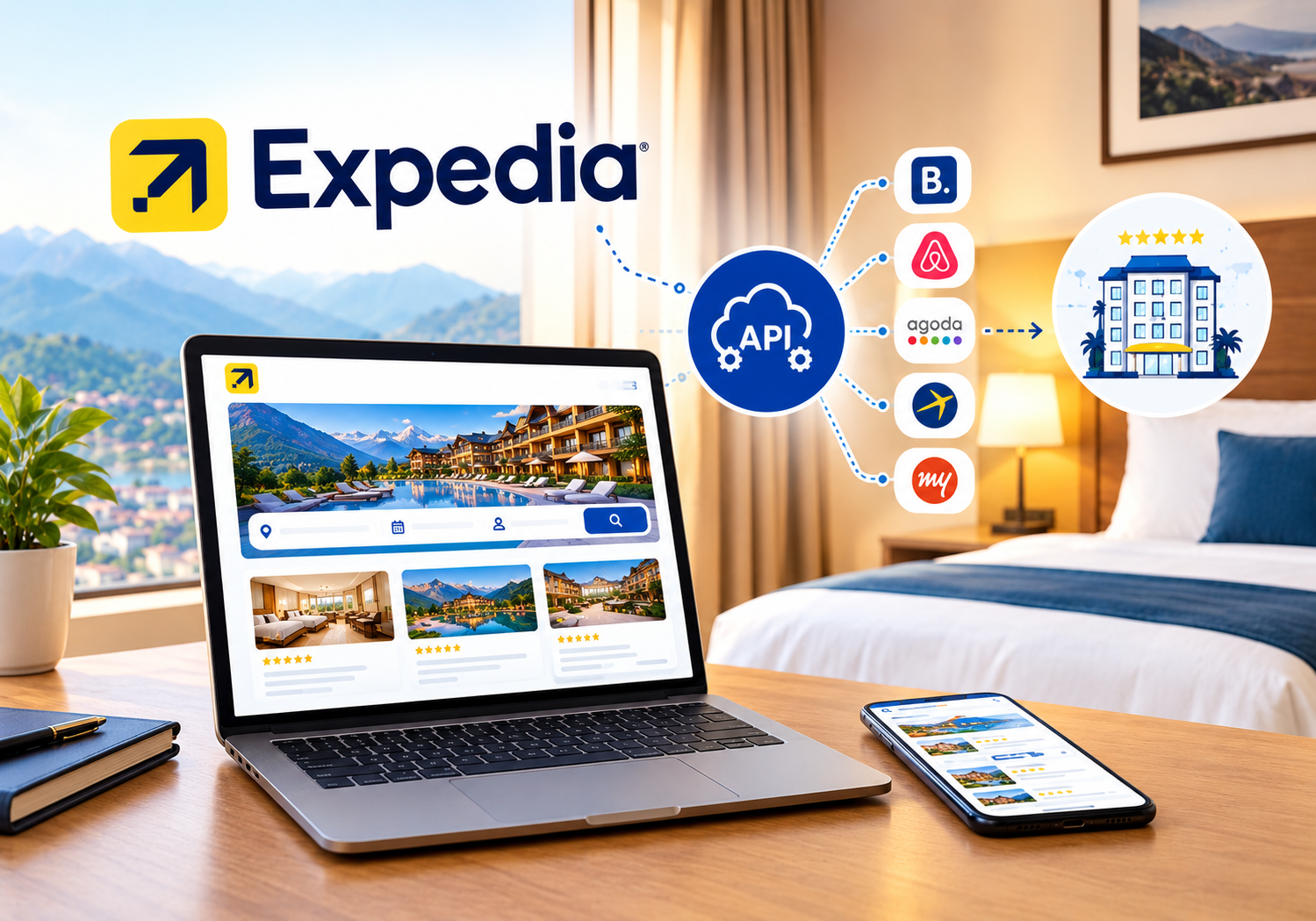
An API is a secure bridge between two software systems. Your hotel software sends data to Expedia through that bridge. Expedia sends reservations back the same way.
Expedia offers APIs for availability, rates and reservations. One well-known option is Expedia QuickConnect, often called EQC. Hotels usually access it through a certified connectivity partner. Most independent properties do not build the integration themselves.
Think of it like a courier service. You hand over the parcel once. The courier delivers it to every address. You never drive to each location yourself. 🚚
A connected system updates Expedia within minutes. Your front desk, website and other OTAs stay aligned. Guests always see the correct price and room count.
Why Expedia API Connectivity for Hotels Matters 📈
Indian travel demand keeps growing. International guests increasingly browse Expedia Group brands before they book. Those brands include Expedia, Hotels.com and Vrbo. Visibility there can bring you inbound guests that domestic OTAs miss. 🌍
But visibility without accuracy hurts you. A guest who books a sold-out room leaves an angry review. That review lowers your ranking everywhere.
Here is what manual handling costs a typical hotel:
- ⏰ Two to three hours of daily staff time on rate updates
- ❌ Overbookings when a room sells on another channel first
- 💸 Lost revenue when rates stay low during peak demand
- 😟 Guest complaints caused by wrong inventory
An API link removes these risks at the source. Your team stops copying numbers between screens. Instead, they focus on guests and sales. 🙌
Rate parity also becomes easier. When every channel reads the same rate, guests have no reason to hunt for a better deal. You also protect trust with your direct booking channel. Our guide on OTA hidden fees shows how hidden costs erode margins.
How the Connection Works Behind the Scenes ⚙️
The flow has four simple parts. Each part runs automatically once setup is complete.
- Content setup: Your property details, photos and room types sit in Expedia Partner Central.
- Mapping: Each room and rate plan in your software is matched to its Expedia twin.
- Push updates: Availability, rates and restrictions flow from your system to Expedia.
- Pull reservations: New bookings, changes and cancellations flow back into your system.
Mapping is the step most hotels rush. A wrong match sends a deluxe room rate to a standard room. Always test mapping with a few sample dates. ✅
Restrictions matter too. Minimum stay, closed-to-arrival and stop-sell rules all travel through the same link. You set them once. Every channel respects them.
Direct Setup vs Channel Manager vs Manual Updates 🔍
Hotels have three realistic options. Each suits a different size of business.
| Option | Best for | Main drawback |
|---|---|---|
| Manual extranet updates | Very small properties | Slow and error-prone |
| Direct API build | Large chains with developers | High cost and certification effort |
| Certified channel manager | Most hotels and resorts | Needs a good vendor choice |
For most Indian properties, a certified channel manager wins. It gives you API-level speed without engineering cost. It also connects many OTAs at once. SaasAro links to 200+ OTAs from a single dashboard. 🔗
If you are comparing vendors, read our channel manager for hotels guide. It explains features worth checking before you sign.
Key Benefits You Can Expect 🌟
A good integration delivers value in several areas:
- ⚡ Real-time sync: Rates and rooms update within minutes, not hours.
- 🛡️ Overbooking protection: A sale on one channel closes stock on all others.
- 📊 Cleaner data: Every booking lands in one report, so you can see true channel performance.
- 💰 Better pricing: You can change rates fast when demand spikes.
- 🧑💼 Less staff stress: Fewer errors mean fewer apologies at the front desk.
Speed alone can lift revenue. During a festival or wedding season, a rate change at noon beats one at midnight. Pair the link with a revenue management tool for even sharper pricing. Our hotel revenue management complete guide covers the strategy in detail.
Step-by-Step Setup for Your Property ✅
Follow this checklist to go live without stress.
Step 1: Get your Expedia property ready 🏠
Confirm your listing is active in Partner Central. Check photos, amenities and policies. If you have not listed yet, read how to list your property on Expedia.
Step 2: Pick a certified partner 🤝
Choose a provider that Expedia recognises. Ask about support hours, onboarding time and pricing. Avoid vendors that cannot name their certified connections.
Step 3: Request the connection 📨
Your provider submits the link request for your property ID. You approve it inside Expedia Partner Central. Approval usually takes a short while, though timing varies.
Step 4: Map rooms and rates 🗺️
Match every room type and rate plan carefully. Include meal plans and cancellation rules. Double-check occupancy limits.
Step 5: Test before going live 🧪
Change one date and confirm it appears on Expedia. Make a test booking and confirm it returns to your system. Fix gaps now, not after launch.
Step 6: Train your team 🎓
Show front desk and sales staff the new workflow. Everyone should know where bookings appear. Our intelligent learning module helps teams adopt new tools faster.
What to Look for in a Connectivity Partner 🔎
Strong Expedia API connectivity for hotels depends on partner quality as much as technology. Not every provider offers the same depth. Use this checklist before you sign:
- ✅ Certified status for the Expedia connection
- ✅ Two-way sync for rates, stock, restrictions and bookings
- ✅ Local support in India during your working hours
- ✅ Clear pricing with no surprise add-ons
- ✅ Easy reports that show channel performance
- ✅ A simple path to add more OTAs later
Ask for a live demo on your own room types. A good vendor will map one sample room in front of you. That quick test reveals how the team works. 🧪
An Illustrative Example 📍
Picture a 30-room hotel in Jaipur. The owner updates Expedia by hand each morning. One busy Friday, a room sells on another OTA at 9 AM. Expedia still shows it open until noon. A second guest books it. The front desk scrambles to relocate someone. 😓
With a connected system, the first sale closes stock everywhere within minutes. The second guest never sees the room. This is an example, not a client case. Yet the pattern is common across Indian properties.
Common Mistakes Hotels Make ⚠️
We see the same errors again and again. Avoid these and you will save weeks of trouble.
- ❌ Skipping the mapping test. One wrong match can undercut your best room.
- ❌ Ignoring payment models. Know whether bookings are Expedia Collect or Hotel Collect, since each affects your cash flow and billing.
- ❌ Forgetting restrictions. Minimum stay rules must sync too.
- ❌ Leaving rate parity unchecked. Review prices weekly across every channel.
- ❌ Not checking commission rules. Commission varies by contract, so read yours carefully.
Each channel also behaves differently. If you already use other platforms, compare setups. Our Booking.com channel manager integration and Agoda channel manager integration posts show similar steps.
How SaasAro Makes It Simple 🏨
SaasAro is a hotel management platform built for Indian hoteliers. Its channel manager handles two-way sync with major OTAs. That includes your Expedia listing.
Here is what you get inside one dashboard:
- 🔄 Two-way rate and inventory sync with 200+ OTAs
- 🏨 A built-in property management system for front desk and billing
- 🌐 A commission-free booking engine for your own website
- 🧹 Smart housekeeping updates linked to bookings
- ⭐ Reputation management to track guest reviews
- 📈 Clear reports on channel mix and revenue
Owners with several hotels benefit even more. Multi-property management lets you control every hotel from one login. Chains can read more in our guide to hotel management software for hotel chains.
Not sure what it costs? See our hotel management software cost breakdown or visit the pricing page. 💡
Best Practices to Get More From Expedia 💎
Connecting is only the first win. These habits turn the link into steady revenue.
- 📸 Keep content fresh. Update photos and descriptions each season.
- 🔍 Audit weekly. Compare rates, stock and restrictions across channels.
- 💬 Answer reviews fast. Quick replies lift trust and conversions.
- 🎯 Use smart pricing. Raise rates on high-demand dates and offer deals in slow periods.
- 🏆 Push direct bookings. Use OTAs for reach and your website for margin.
Understanding the difference between systems also helps. Read channel manager vs PMS vs CRS before you finalise your tech stack. For the full picture, see the best hotel management software pillar guide.
Is It Worth It? Our Take 🧭
For most hotels, yes. The time saved alone justifies the move. Fewer errors protect your reviews and your revenue. A reliable Expedia API connectivity for hotels setup also frees you to focus on guests.
Still, results depend on good execution. Choose a trusted partner. Map carefully. Review data weekly. Do those three things and the link will quietly earn its keep. 🌟
Frequently Asked Questions ❓
Q1. What is Expedia API connectivity for hotels?
It is a secure software link between your hotel system and Expedia, it sends rates and availability to Expedia and it brings reservations back automatically.
Q2. Can a small hotel use an API connection?
Yes. Small hotels usually connect through a certified channel manager. You do not need developers. You only need a reliable provider and correct room mapping.
Q3. How long does setup take?
Timing depends on your listing and mapping. Many properties go live within days once content is ready. Complex setups may take longer. Always confirm timelines with your provider.
Q4. Does the connection prevent overbookings?
It greatly reduces them. A booking on any channel updates stock everywhere within minutes. Rare gaps can still occur, so keep a buffer during peak days.
Q5. Will I pay extra for an API connection?
Expedia charges commission on bookings under your contract. Your software provider may charge a subscription. Compare plans on the SaasAro pricing page before you decide.
Q6. Can I manage Expedia and other OTAs together?
Yes. A good channel manager controls Expedia, Booking.com, Agoda and more from one screen. That saves time and keeps rates consistent.
Ready to Connect Your Hotel? 🚀
Stop updating rates by hand. Let automation protect your rooms and revenue. 🏨
- ✅ Real-time sync with Expedia and 200+ OTAs
- ✅ Fewer overbookings, more direct bookings
- ✅ Friendly onboarding for Indian hoteliers
👉 Book Your Free Demo Now
📞 Call us: +91 75000 87037