
Want to list your property on EaseMyTrip and reach more domestic travellers? 🚀 EaseMyTrip is a well-known Indian travel platform. Many of its guests compare prices and book trips online. In this guide, you will see every step in simple words. We also share tips to help your listing win bookings. 💡
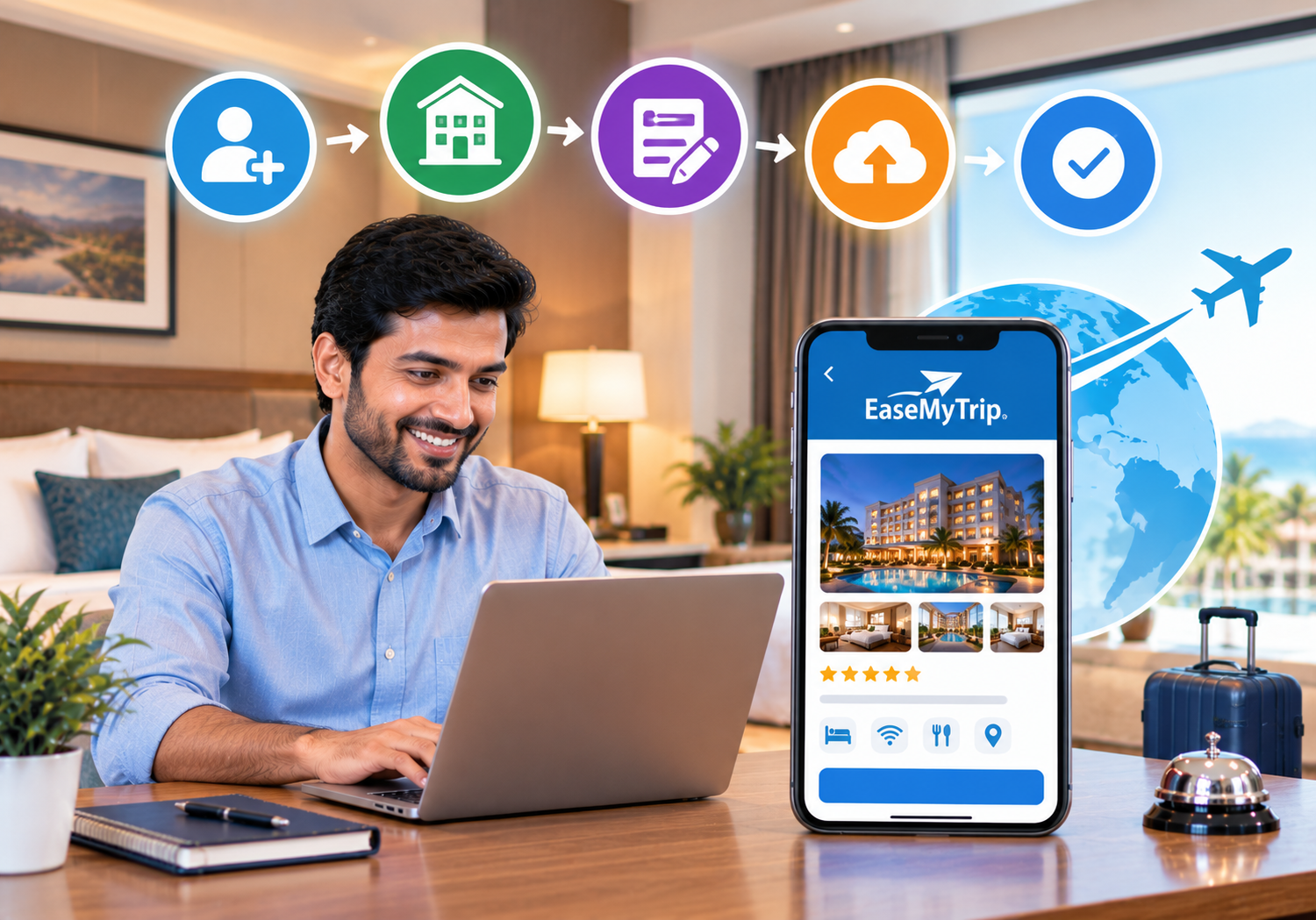
🌍 Why You Should List Your Property on EaseMyTrip
Indian travellers search online before they book hotels, homestays, and villas. They compare price, photos, and reviews in minutes. 📱 If you are not listed, they never see you.
Third-party partner guides describe EaseMyTrip as popular with price-conscious domestic guests. They also describe a commission-based model. Confirm current terms with the platform. ✅
Here are the main benefits:
- 🌏 More visibility among domestic travellers
- 📱 Easy mobile booking for guests
- 💳 Clear confirmations and payment handling
- ⭐ Reviews that build trust for new listings
- 📈 Extra bookings on slow weekdays and off-season dates
When you list your property on EaseMyTrip, you also add a new sales channel beyond walk-ins and phone calls. 🕐
🏘️ Which Properties Can Be Listed?
Partner guides say hotels, resorts, villas, homestays, and apartments can list. Each must meet platform requirements. 🏡
- 🏨 Hotels and business stays
- 🏖️ Resorts and holiday properties
- 🏠 Homestays and guest houses
- 🏡 Villas and apartments
Choose the category that fits your property. Honest labels bring the right guests. Wrong labels lead to complaints. ✅
📋 Documents and Details to Keep Ready
Missing papers cause most delays. Keep these items ready before you list your property on EaseMyTrip. ✅
- 🪪 PAN details of the owner or business
- 🧾 GST registration details, if applicable
- 🏦 Bank account details for payouts
- 📄 Business proof, such as a registration certificate
- 🏠 Ownership proof or lease papers
- 🪪 ID proof of the authorised person
- 📸 Clear photos of rooms and common areas
- 🛏️ Room types, bed setups, and guest limits
- 💰 Planned rates and meal options
- 📜 Cancellation and guest policies
Requirements can change over time. Always confirm the current list during registration. 🔍
🪜 Step-by-Step: How to List Your Property on EaseMyTrip
1️⃣ Sign Up on the Partner Portal
Open the EaseMyTrip partner portal. Enter your basic property and contact details. This starts your onboarding. 🖥️
2️⃣ Submit Property Details and Documents
Add your property name, address, and category. Upload the documents the team asks for. Accurate details speed up approval. 📄
3️⃣ Wait for Verification
The team reviews your details. They may call or email you for changes. Reply quickly to avoid delays. 📞
4️⃣ Set Up Rooms and Amenities
Create each room type with clear names. Add bed type, size, view, and guest limits. List real amenities such as Wi-Fi, parking, and meals. 🛏️
Some platforms limit the number of room types you can add at setup. Check the current rule with the team. 🔍
5️⃣ Upload Strong Photos
When you list your property on EaseMyTrip, photos decide whether guests click or scroll on. Use bright, sharp images shot in daylight. 📸
Cover these areas:
- 🛏️ Every room type
- 🚿 Clean bathrooms
- 🍽️ Dining area and food
- 🛋️ Lobby, lounge, and common spaces
- 🌳 Exterior, garden, pool, or views
Skip blurry or dark photos. Never use pictures of another property. 🚫
6️⃣ Add Rates, Inventory, and Policies
Set base rates and meal plans. Decide how many rooms you will sell. Write clear cancellation, check-in, and payment rules. 💰
7️⃣ Connect a Channel Manager (Optional)
If you sell on several sites, a channel manager can sync rates and rooms for you. Ask your provider to confirm EaseMyTrip support first. 🔗
8️⃣ Review and Go Live
Check every detail once more. Then submit for approval. After you go live, search for your property like a guest would. 🟢
Process details can change. Follow the exact steps the EaseMyTrip team shares. ✅
✅ Quick Pre-Launch Checklist
Tick every item before you list your property on EaseMyTrip:
- 📸 At least ten clear photos uploaded
- 📍 Address and map location verified
- 🛏️ Room types and guest limits correct
- 💰 Rates and meal plans checked
- 📜 Policies written clearly
- 📆 Inventory open for the coming months
🧰 Learn the Extranet After You List Your Property on EaseMyTrip
Partner guides describe an extranet dashboard for hotel partners. You can manage inventory, rates, bookings, and listing details there. 🛠️
Make a habit of checking it daily. Update availability when rooms sell elsewhere. Review bookings and changes quickly. 📆
Quick, accurate management protects your ranking and your guest experience. 💪
✍️ Easy Writing Templates
Many owners struggle with descriptions. Use these simple templates. Replace the details with your own facts. 📝
Property overview template:
“Welcome to [property name] in [location]. Enjoy [view], [food], and [amenity]. Ideal for families, couples, and business guests.”
Room template:
“Comfortable [room type] with [bed type] and [amenity]. Sleeps up to [number] guests.”
Keep sentences short and honest. Never promise what you cannot deliver. ✅
🔁 Handle Cancellations and Changes Well
Travel plans change fast. Guests may cancel or shift dates at short notice. 😟
Set clear rules and state them simply. Respond quickly to change requests. Track cancellations by source. If one source cancels often, review your policy and rates. Flexible, fair terms build trust. 🤝
🚀 Tips to Get More Bookings
Listing is only the first step. These habits improve your visibility and conversions. 📈
- 📸 Photos: Use bright, recent images of every area.
- 💰 Rates: Compare nearby properties and price with care.
- 🍳 Packages: Bundle breakfast or late check-out.
- ⚡ Replies: Answer guest messages quickly.
- ⭐ Reviews: Ask happy guests to share feedback.
- 📆 Calendar: Keep availability accurate every day.
Strong, clear details help you list your property on EaseMyTrip in a way that stands out. 🌟
💸 Smart Pricing After You List Your Property on EaseMyTrip
Value-focused guests compare many options. Your rate must feel fair for what you offer. 💰
Demand changes with seasons, festivals, and school holidays. Weekends and long breaks can fill your rooms. Slow months need creative offers. 🌦️
Revenue management tools and a competitor rate analyzer help you price with confidence. 🎯
Add value instead of deep discounts. Breakfast, late check-out, or a local experience can lift your average spend. 🎁
📆 Avoid Double Bookings After You List Your Property on EaseMyTrip
Many owners sell on several sites. They may use EaseMyTrip, MakeMyTrip, Goibibo, and Booking.com. Each site needs the same availability. 🌐
Manual updates are slow. One missed update can sell a room twice. The guest is upset, and your rating suffers. 😟
SaasAro connects with 300+ channels, according to its website. Confirm EaseMyTrip support with the team during a demo. 🔗
⭐ Build Reviews After You List Your Property on EaseMyTrip
Reviews shape ranking and trust. Guests read them before they book. 📖 Deliver what your listing promises.
Ask guests for honest feedback after checkout. A feedback capturing system makes this simple. Fix issues fast and thank happy guests. 💚
You can also track ratings with reputation management. Strong reviews lift your visibility over time. 🌟
⚠️ Common Mistakes When You List Your Property on EaseMyTrip
Many owners lose bookings because of small errors. Watch out for these:
- ❌ Submitting incomplete or wrong documents
- ❌ Using dark or outdated photos
- ❌ Skipping amenities, so filters hide your listing
- ❌ Leaving the calendar unupdated
- ❌ Hiding extra charges until check-in
- ❌ Ignoring guest messages
Fix these early, and the way you list your property on EaseMyTrip will perform better. 📈
🎓 Train Your Team Before Bookings Arrive
New channels bring new questions. Your team must be ready. 🛎️
Teach staff how to read booking details and handle changes. Share simple replies for common guest questions. Review service standards every month. Trained staff protect your reviews and your income. 💚
🏨 Real-World Scenario: A 12-Room Homestay
Here is a typical, illustrative case. A 12-room homestay near a hill town sells on two booking sites. The owner wants to add EaseMyTrip. 🏔️
The owner prepares documents and bright photos first. Approval moves faster. The listing goes live with clear rates and policies. 📄
The owner also uses one system to update all calendars. Updates take minutes. Results vary by property and market. 📲
🌐 Grow Direct Bookings After You List Your Property on EaseMyTrip
Platform commissions reduce your profit. Direct bookings keep more money with you. A web booking engine lets guests book on your own site. 💳
You can build a clean website using a website builder. Add special offers for repeat guests. Even a small shift to direct bookings improves your margin. 💰
📊 Manage Bookings Like a Pro
As bookings grow after you list your property on EaseMyTrip, notebooks and chats become hard to manage. A property management system keeps reservations, billing, and guest records in one place. 🗂️
The front desk module speeds up check-in and check-out. The reports section shows which channels earn the most. 📈
🏆 Why Property Owners Trust SaasAro
SaasAro is a cloud hotel commerce platform for hoteliers in India and beyond. It combines a PMS, channel manager, booking engine, website builder, and revenue tools. The company states that over 10,000 properties use it. 🙌
Here is what you get:
- 🔗 300+ integrations with global and domestic OTAs
- 🏢 Multi-property management from one dashboard
- 🔒 Enterprise-grade security for guest data
- 🆓 A free trial, so you can test before you pay
- 📞 Support from a team that knows Indian hospitality
Check the pricing page for current plans. Read more guides on the SaasAro blog. 📚
❓ Frequently Asked Questions (Q&A)
Q1. What is the easiest way to list your property on EaseMyTrip?
Sign up on the partner portal and submit your details and documents. Then set up rooms, photos, rates, and policies. 🏨
Q2. Is it free to list your property on EaseMyTrip?
Partner guides describe a commission-based model with no upfront listing cost. Confirm current terms with EaseMyTrip. 💰
Q3. Which documents do I need?
Keep PAN, GST details, bank details, business proof, and ownership proof ready. The team may ask for more. 📄
Q4. How long does approval take?
Timelines vary by property and document checks. Complete details and quick replies help. ⏱️
Q5. Can I list a homestay, villa, or guest house?
Partner guides say yes, if you meet platform requirements. Confirm your category with the team. 🏡
Q6. Can a channel manager sync my EaseMyTrip inventory?
Support depends on the provider and channel. Ask your provider to confirm before you rely on it. 🔄
🎯 Final Thoughts
Now you know how to list your property on EaseMyTrip with confidence. Prepare your documents, upload strong photos, and set clear rates. Then keep your calendar accurate every day. Add smart tools once you list your property on EaseMyTrip and bookings grow. 🌟
Ready to list your property on EaseMyTrip? Book a free SaasAro demo today. 🚀
📞 Ready to Grow Your Bookings? Talk to SaasAro Today!
📲 Call us: +91 75000 87037
🌐 Visit: saasaro.com
🎁 Start your free trial