
List your homestay on Expedia and your property can reach millions of travelers worldwide. 🌍 This guide shows you every step, from signup to your first booking. You will learn what to prepare, how to price, and what to avoid. Follow the steps below and go live with confidence. ✅
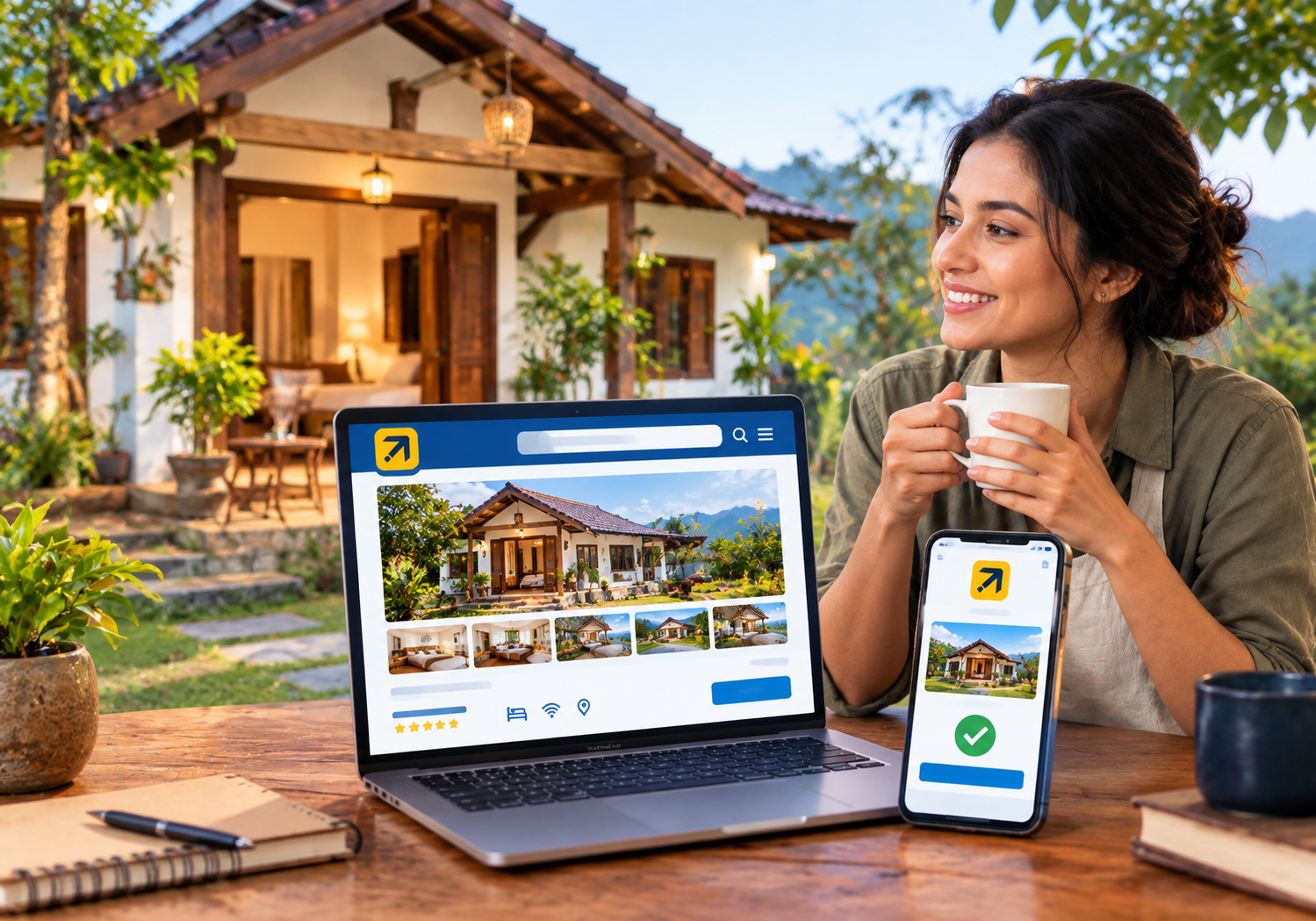
🌟 Why You Should List Your Homestay on Expedia
Expedia Group runs several travel brands under one partner platform. That means one listing can reach guests on more than one site. 🧳
Many Indian homestay owners rely only on Airbnb or word of mouth. That limits your reach and leaves rooms empty in slow months. A second strong channel spreads your risk.
Here is why hosts add Expedia to their mix:
- 🌎 Global reach: Guests from many countries search for stays every day.
- 📈 More visibility: Your homestay appears next to hotels and resorts.
- 💳 Trusted checkout: Travelers feel safe booking through a known brand.
- 📱 Mobile bookings: Many guests plan and book trips from their phones.
- 🔁 Backup income: A second channel protects you when one channel slows.
Our team has helped hoteliers and homestay owners across India manage OTA listings. The pattern is clear. Owners with two or three channels earn steadier income than owners with one.
📋 What to Prepare Before You Start
Preparation saves you hours later. Gather these items before you open the signup page:
- ✅ Property name, full address, and a pin on the map
- ✅ Business or personal identity documents for verification
- ✅ Bank account details for payouts
- ✅ Clear photos of every room and common area
- ✅ Room types, bed types, and maximum guest counts
- ✅ House rules, check-in times, and cancellation terms
- ✅ Your base rates, taxes, and any extra charges
Keep all these in one folder. It makes the form quick and error free.
🪜 Step-by-Step: Create Your Expedia Listing
Follow this simple flow. Screens can change, so always check the latest on-screen guidance.
Step 1: Open Expedia Group Partner Central 🖥️
Visit the Expedia Group partner signup page. Choose the option to list a property. Create an account with your email address. Use an email you check daily, because Expedia sends important alerts there.
Step 2: Select Your Property Type 🏠
Pick the category that matches your stay. Homestays, guest houses, and bed and breakfasts often fit well. Choose carefully, since the wrong type confuses guests. Then enter your address exactly as it appears on your documents.
Step 3: Add Rooms and Amenities 🛏️
Create each room type with its beds, size, and guest limit. Add amenities honestly. Wi-Fi, parking, breakfast, and hot water matter to most guests. Never promise a feature you cannot deliver, because bad reviews follow quickly.
Step 4: Upload Photos and Write Your Description 📸
Photos decide most clicks. Use bright, sharp images shot in daylight. Show the bedroom, bathroom, kitchen, and view. Then write a warm, honest description. Mention nearby attractions, local food, and how guests can reach you.
Step 5: Set Rates, Taxes, and Policies 💰
Enter your nightly rate for each room. Add the right taxes and fees. Choose a cancellation policy that fits your risk level. Flexible policies attract more bookings, while strict ones protect your income. Balance both.
Step 6: Complete Verification and Payments 🔐
Expedia may ask you to confirm your identity and property details. Upload clear documents and add your payout details. Double check every number. Small typing errors often delay approval.
Step 7: Review, Submit, and Go Live 🎉
Preview your listing as a guest would see it. Fix any gaps. Submit it for review. Once approved, your homestay becomes visible to travelers. Keep your calendar open and respond fast to every request.
💸 Understanding Commission and Costs
Expedia usually earns a commission on each confirmed booking. The exact rate depends on your market, property type, and agreement. Always read the terms inside your account before you accept them.
Plan your pricing with this cost in mind. Add the commission to your base rate so your margin stays safe. Our guide on OTA hidden fees explains the extra costs many owners miss. 🔍
You can also reduce commission dependence over time. Build a direct booking page with a booking engine. Repeat guests can then book with you at no OTA cost.
📸 How to Make Your Listing Stand Out
A complete listing beats a rushed one. Use these proven tips:
- 🌅 Lead with your best photo, such as a view or a cozy room.
- 📝 Write a clear title that names your location and style.
- 🍳 Highlight free breakfast, home cooked meals, or local experiences.
- 🏔️ Mention nearby sights, stations, and airports with distances.
- 🧼 Share your cleaning routine, since hygiene builds trust.
- 💬 Reply to guest questions within a few hours.
Reviews matter just as much. Ask happy guests to share feedback after checkout. Respond politely to every review, good or bad. A tool for reputation management helps you track feedback in one place. ⭐
⚠️ Common Mistakes Homestay Owners Make
Even good hosts slip up. Avoid these errors:
- ❌ Using blurry, dark, or stock photos
- ❌ Forgetting to update the calendar after offline bookings
- ❌ Setting rates too low and losing profit
- ❌ Ignoring guest messages for hours
- ❌ Copying the same description on every site
- ❌ Skipping the cancellation policy details
The biggest mistake is the double booking. It happens when you sell the same room on two sites. Guests get upset, and ratings drop fast. Our article on preventing overbooking with a channel manager shows how to fix this for good. 🛡️
🔄 Sync Expedia With Your Other Channels
Once you list your homestay on Expedia, you will probably join other sites too. You may already use Airbnb or Booking.com. Updating each calendar by hand is tiring and risky. 😓
A channel manager solves this. It updates rates and availability everywhere at once. A booking on one site blocks the same dates on all others. 🔒
SaasAro’s channel manager connects with 200+ OTAs. You change a rate once, and every site updates. That saves hours each week.
Pair it with a property management system. You can then handle check-ins, invoices, and guest records in one dashboard. 📊
📅 Your First 30 Days After Going Live
The first month sets the tone for your ranking and reviews. Use this simple plan:
- 🗓️ Week 1: Check your listing on mobile and desktop. Fix any wrong details.
- 💬 Week 2: Reply to every inquiry quickly. Fast replies build trust and visibility.
- 💰 Week 3: Review your rates against nearby stays. Adjust if you get views but no bookings.
- ⭐ Week 4: Ask recent guests for honest reviews. Fresh feedback lifts your listing.
Track your numbers every week. Watch views, conversions, and cancellations. Small changes often lift results fast. 📉➡️📈
🗓️ Smart Seasonal Pricing for Homestays
India has clear travel peaks. Hill stations fill up in summer. Beach towns peak in winter. Festival weeks create sudden demand in cities like Varanasi and Jaipur. 🎆
Raise your rates before these peaks. Offer small discounts during slow weeks to keep rooms filled. Add minimum stay rules on busy weekends. This protects your income from short, low value bookings.
Manual price changes across many sites are tiring. Automation helps you act quickly when demand shifts. 🤖
🧾 Helpful Tips From Real Host Experience
Small habits build big trust. Here are quick wins we often share with owners:
- 🧹 Keep rooms spotless, because cleanliness drives five star reviews.
- 🗺️ Send guests a simple arrival guide with a map and contact number.
- 🍵 Add a small welcome touch, such as local tea or snacks.
- 🔧 Fix small repairs fast, such as taps, bulbs, and Wi-Fi.
Guests remember warmth more than luxury. A caring host earns repeat visits and direct bookings. 💛
📊 Expedia vs Airbnb for Homestays
Both platforms help homestays, yet they serve guests differently. Airbnb is known for home stays and local experiences. Expedia draws travelers who compare hotels, flights, and packages together.
Neither is better in every case. Many owners use both. The smart move is to run them together and track results. Use reports and analytics to see which channel gives the best income per room. 📈
Set your rates with care too. Revenue management tools help you raise prices in busy seasons and drop them in slow weeks. 🎯
🧠 Our Experience: What Works in India
At SaasAro, we work with hotels, resorts, and homestays across many Indian regions. We see the same winning habits again and again.
Top hosts update photos each season. They answer messages fast, they keep calendars accurate through automation and they also keep housekeeping tight, using tools like housekeeping management.
If you run several properties, central control matters even more. See our multi-property management tools. You can also read our hotel management software cost guide, or explore the best hotel management software for 2026. 🏆
❓ Frequently Asked Questions
Q1. Is it free to list on Expedia? 🤔
Creating a listing is typically free. Expedia usually charges a commission only when a booking is confirmed. Check your agreement for exact terms.
Q2. How long does approval take? ⏳
It varies by property and market. Complete documents and clear photos speed things up. Check your Partner Central inbox for updates.
Q3. Can I list a homestay on Expedia without a hotel license? 📄
Requirements depend on your location and property type. Check local rules and Expedia’s guidance in your account. When unsure, ask the support team.
Q4. How do I avoid double bookings across Airbnb and Expedia? 🔁
Use a channel manager that syncs calendars in real time. It blocks dates on every site after one booking.
Q5. What is the best way to list your homestay on Expedia for more bookings? 🚀
Use sharp photos, honest descriptions, and fair rates. Respond fast and collect reviews. Then connect a channel manager to keep every calendar accurate.
Q6. Can I get direct bookings too? 💻
Yes. Add a direct booking engine to your own website. Guests who book direct save you commission fees.
🏁 Final Thoughts
Now you know how to list your homestay on Expedia the smart way. Expedia can bring fresh guests and steadier income to your homestay. Preparation, strong photos, and honest details make the difference. The real win comes from managing every channel smartly. 🙌
Start today, stay consistent, and review your results every month. Small steady improvements compound into strong yearly growth. 🌱
Ready to take the next step? Let SaasAro handle your rates, calendars, and bookings while you focus on guests. 💛
📞 Get Your Free Demo Today
Do not leave bookings to chance. Automate your OTAs with SaasAro.
🎯 Book Your Free Demo Now
📱 Call us: +91 75000 87037