
Do you want to List Your Homestay on Booking.com and fill your empty rooms? 🎉 You are in the right place.
India’s homestay market is growing fast. Travellers now prefer local stays over big hotels. They want home-cooked food, warm hosts, and real culture. 🌿
This guide shows you how to List Your Homestay on Booking.com the right way. We cover setup, photos, pricing, reviews, and rules. ✅
At Saasaro, we help property owners manage bookings smartly. Our team has guided many hosts through this exact process. 🤝
By the end, you will know how to List Your Homestay on Booking.com with full confidence.
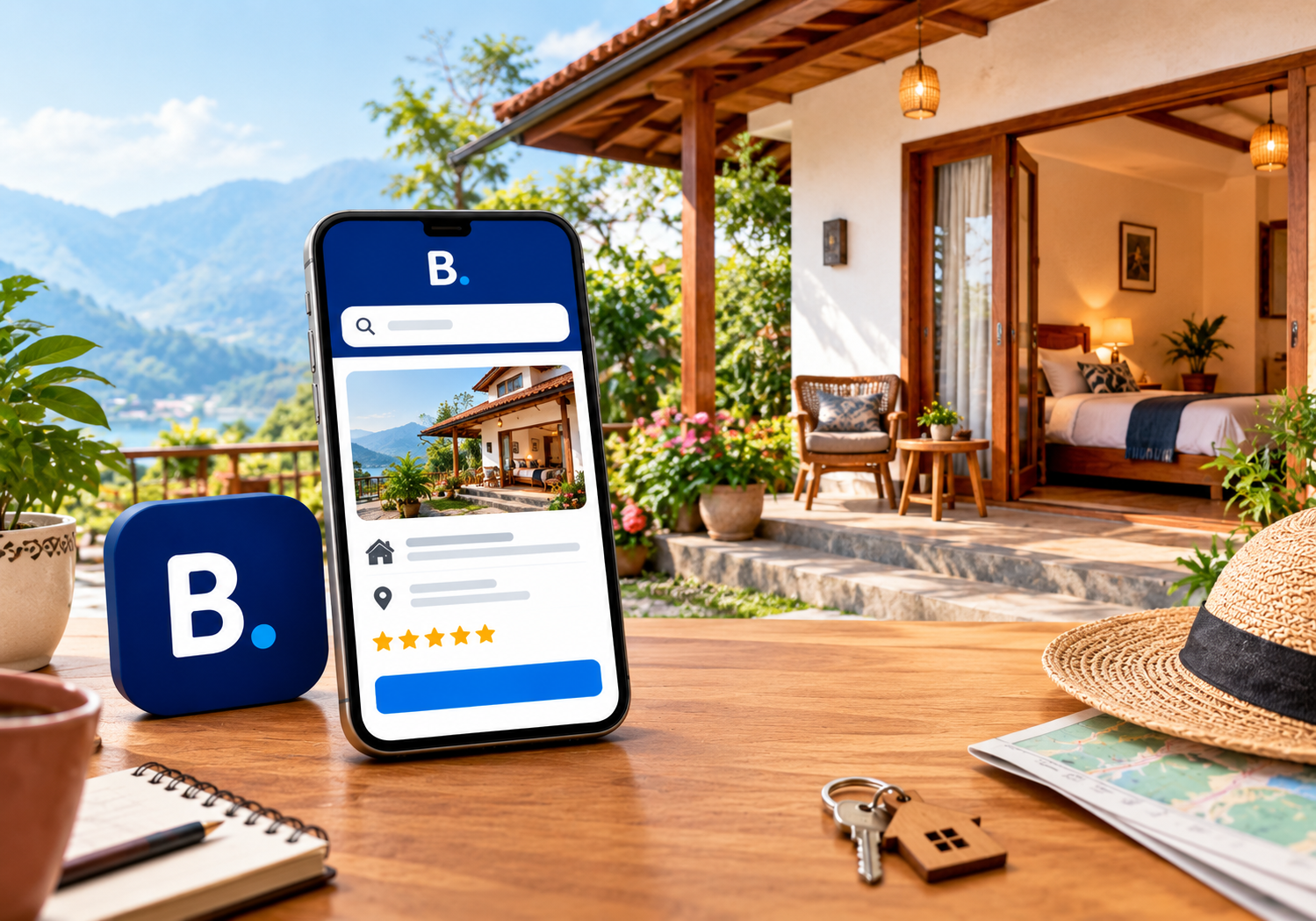
🌟 Why Should You List Your Homestay on Booking.com?
Booking.com is one of the largest travel platforms in the world. Millions of travellers search it every day. 🌍
Here is why smart hosts choose it:
- 🌐 Global reach: Guests from many countries browse and book stays.
- 💳 Secure payments: The platform handles payment flows with trusted systems.
- 📱 Easy tools: A simple app lets you manage bookings on the go.
- 🗣️ Many languages: Your listing reaches guests in their own language.
- 📈 Steady demand: Homestays are popular with families, couples, and remote workers.
When you List Your Homestay on Booking.com, you gain instant trust. Guests already know the brand and feel safe booking. 🔒
Small homestay owners often struggle to find guests. A strong platform solves that problem quickly.
📋 What You Need Before You List Your Homestay on Booking.com
Preparation saves time later. Gather these items first. 🗂️
- 🪪 Your government ID and contact details
- 🏠 Property address and exact map location
- 📸 Clear photos of every room and common area
- 🛏️ A list of rooms, beds, and guest capacity
- 🍳 Details of meals, Wi-Fi, parking, and other facilities
- 💰 Your planned room rates and cancellation rules
- 🏦 Bank account details for receiving payouts
- 📄 Local licences or registration papers, if required
Keep these ready in one folder. The setup will feel quick and smooth. ⚡
🪜 Step-by-Step Process to List Your Homestay on Booking.com
Follow these eight steps carefully. Each step builds on the last one.
Step 1: Visit the Partner Page and Register 🖥️
Go to the Booking.com partner registration page. Click the button to list your property.
Enter your email address and create a strong password. Verify your email when asked.
Step 2: Choose Your Property Type 🏠
Booking.com asks what kind of place you offer. Pick the option that fits your stay best.
Homestays usually fit under homes, guest houses, or bed and breakfast. Choose honestly. Wrong categories confuse guests.
Step 3: Add Your Location 📍
Type your full address with care. Then drag the map pin to the exact spot.
Accurate location builds trust. Guests hate arriving at the wrong place.
Step 4: Describe Your Rooms and Facilities 🛏️
List every room type, bed size, and guest limit. Add facilities like Wi-Fi, hot water, and breakfast.
Be honest and specific. Do not promise what you cannot deliver. Honest listings earn better reviews.
Step 5: Upload High-Quality Photos 📸
Photos are your first impression. Upload bright, clear, and recent images.
Show the bedroom, bathroom, kitchen, garden, and view. Add at least ten photos for best results.
Step 6: Set Your Rates and Policies 💰
Choose your nightly price. Then set cancellation rules, check-in times, and house rules.
Flexible policies attract more guests. Strict policies may reduce your bookings.
Step 7: Add Payment and Tax Details 🏦
Enter your bank details for payouts. Add your tax information as requested.
Double-check every number. Small typing errors can delay your payments.
Step 8: Submit, Verify, and Go Live 🚀
Review all details one final time. Submit your listing for verification.
Booking.com may ask for proof of ownership. Once approved, your property goes live.
Congratulations on deciding to List Your Homestay on Booking.com. Now the real work of earning bookings begins. 🎊
💰 Smart Pricing Tips for Homestay Hosts
Pricing is the heart of any plan to List Your Homestay on Booking.com. Set it too high and guests scroll past. Set it too low and you lose profit.
Try these simple ideas:
- 🔍 Check similar homestays in your area
- 📅 Raise prices during festivals and holidays
- 📉 Offer small discounts in slow months
- 🎁 Add value with free breakfast or local tours
- 🧮 Remember to include platform commission in your rate
Review your rates every month. Markets change fast, and your prices should follow.
📸 Photo and Description Tips That Win Clicks
Guests judge a stay in seconds. Great visuals and clear words keep them reading. 👀
Photo tips:
- 🌞 Shoot in natural daylight
- 🧹 Clean and tidy every room first
- 📐 Use wide angles to show space
- 🌄 Capture your best view or garden
Description tips:
- ✍️ Start with your strongest feature
- 🗣️ Use simple and friendly words
- 🍛 Mention local food and experiences
- 🚫 Avoid fake or exaggerated claims
A warm, honest story sets homestays apart from big hotels. Share who you are and what guests will love. ❤️
⚠️ Mistakes to Avoid When You List Your Homestay on Booking.com
Many new hosts repeat the same errors. Avoid these and you will move ahead quickly. 🏃
- Poor photos: Dark or blurry images drive guests away.
- Incomplete details: Missing facilities reduce trust and visibility.
- Slow replies: Guests expect answers within hours, not days.
- Wrong calendar: Outdated availability causes double bookings.
- Ignoring reviews: Unanswered feedback looks careless.
- Unclear policies: Confusing rules lead to disputes.
If you want to List Your Homestay on Booking.com and succeed, fix these early. Small habits create big results. 💪
⭐ How to Earn Great Reviews
Reviews can make or break your efforts to List Your Homestay on Booking.com. Strong ratings improve your ranking and your bookings. 📈
Follow these habits:
- 🙏 Greet every guest warmly at arrival
- 🧼 Keep rooms spotless and fresh
- 🍵 Offer a welcome drink or snack
- 📞 Stay reachable during the stay
- 💬 Reply to every review politely
Even a negative review is a chance to shine. Respond calmly and explain how you will improve. Future guests notice your attitude. 🌈
🧾 Legal and Tax Basics for Indian Homestays
Rules differ from state to state. Always check local requirements first. ⚖️
Before you List Your Homestay on Booking.com, review these points:
- 📜 State tourism department registration or homestay scheme rules
- 🧾 GST requirements based on your room tariff
- 🚓 Guest ID and police intimation norms
- 🔥 Basic fire and safety standards
- 💼 Income tax reporting on rental earnings
Rules change from time to time. Please confirm details with the tourism office or a qualified tax professional. 👩💼
🔄 Manage Your Calendar and Bookings Like a Pro
A smooth operation keeps guests happy. It also protects your ratings. 🗓️
- 🔔 Turn on app notifications for new bookings
- 🔁 Sync calendars if you use other platforms
- 🕒 Block dates when your rooms are unavailable
- 📨 Send arrival instructions before check-in
- 🧾 Keep a simple record of every booking
Hosts who use smart tools save hours each week. Automation reduces errors and stress. ⚙️
🤖 How Saasaro Helps You List Your Homestay on Booking.com
Setting up a listing can feel confusing. Managing it daily takes even more effort. 😓
Our experts help you List Your Homestay on Booking.com without stress. We guide you from first signup to your first booking. 🎯
Here is how Saasaro supports hosts:
- 🛠️ Smart tools to manage bookings in one place
- 📊 Easy reports on your income and occupancy
- 🧑💻 Friendly support from real people
- 🔗 Simple channel management across platforms
- 🚀 Practical advice to grow your homestay business
We believe every host deserves simple, reliable technology. Our goal is to save your time and boost your earnings. 💙
❓ Frequently Asked Questions (FAQs)
Q1. How can I List Your Homestay on Booking.com for free? 💬
You can register your property on the platform without any signup fee. You only pay a commission when a guest completes a stay.
Q2. How long does it take to List Your Homestay on Booking.com? ⏱️
Setup usually takes 30 to 60 minutes if your documents and photos are ready. Verification may take a few extra days.
Q3. Which documents do I need for my homestay listing? 📄
You need your ID, address proof, and bank details. Some states also need tourism registration or licences.
Q4. How much commission does Booking.com charge? 💰
Commission varies by region and programme. Check your extranet dashboard for the exact percentage applied to your property.
Q5. Can I list on Airbnb and Booking.com together? 🔄
Yes, many hosts use both platforms. Just sync your calendars to avoid double bookings.
Q6. How can I get more bookings after going live? 📈
Use bright photos, fair pricing, quick replies, and a complete profile. Positive reviews will steadily improve your ranking.
🏁 Conclusion
Now you know how to List Your Homestay on Booking.com from start to finish. 🎉
The process is simple when you prepare well. Add honest details, great photos, and fair prices. Reply fast and keep your guests happy. 😊
Take action today and List Your Homestay on Booking.com to reach travellers worldwide. Every day you wait is a day of lost bookings. ⏳
Need expert help? Saasaro is ready to guide you. 🤗
🚀 Ready to List Your Homestay on Booking.com? Let Saasaro Help!
Grow your homestay income with smart tools and expert support. 🌟
📞 Call Us Today: +91 75000 87037
💙 Saasaro: Simplifying hospitality, one booking at a time.