
How to List Your Campground on Booking.com is the first question most camp owners ask us. 🙋 Camping in India is booming. Travellers now search online for riverside tents, Himalayan glamping domes, and desert camps. Booking.com puts your campsite in front of millions of guests worldwide. 🌍 This guide walks you through every step. You will learn the documents, photos, pricing, and policies that decide your success. We also share what we see working across Indian properties. ✨
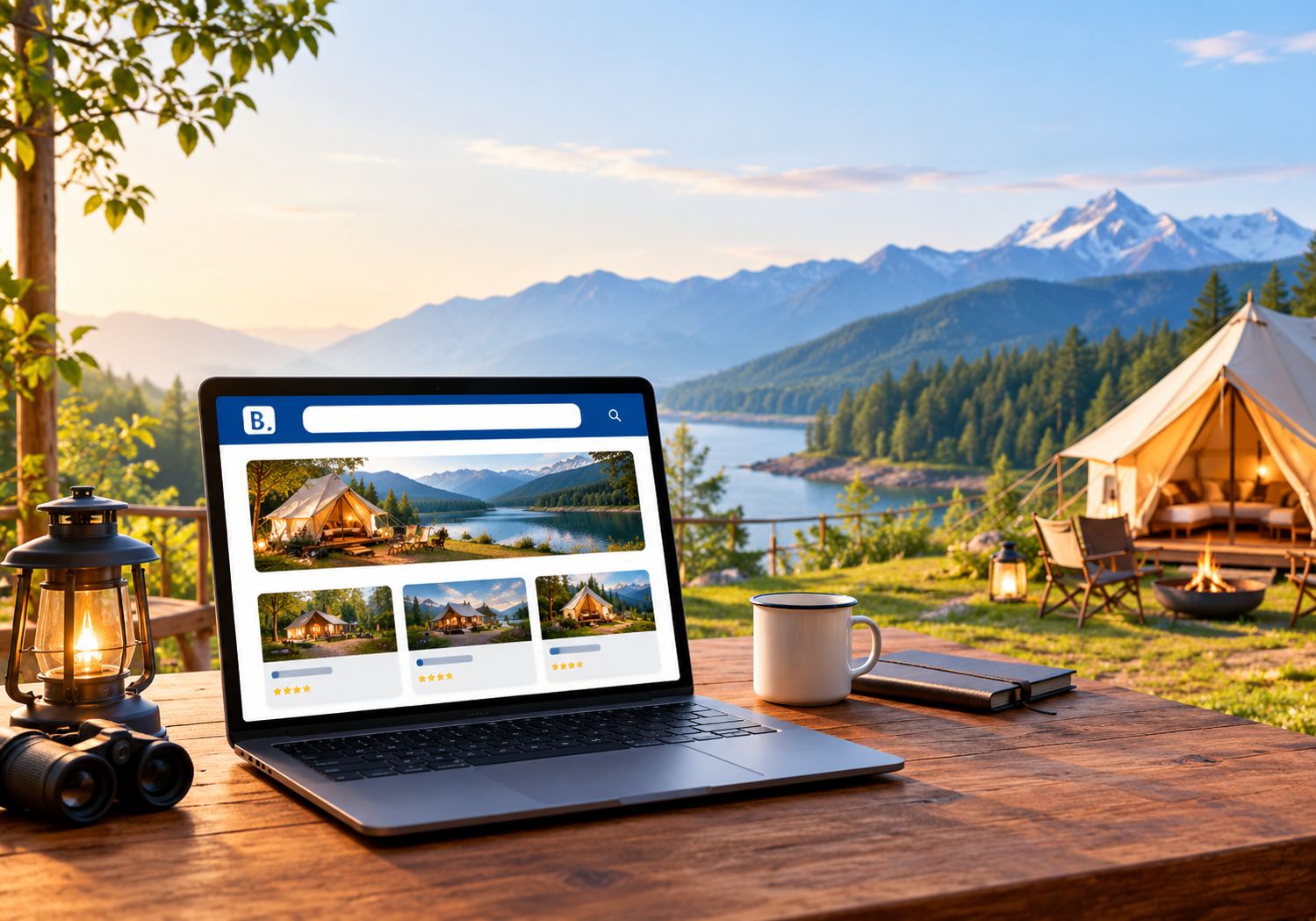
🌲 Why Booking.com Matters for Campgrounds
Campers no longer rely on word of mouth alone. They compare camps, read reviews, and book in minutes. Booking.com is one of the largest travel marketplaces in the world. That reach is hard to match with your own website alone. 🌐
Here is what a good listing gives you:
- 🌍 Global exposure: Foreign travellers discover Indian camps through the platform.
- 💳 Trust: Guests feel safe with verified reviews and secure payments.
- 📱 Mobile bookings: The app makes last-minute weekend bookings easy.
- 🗣️ Language reach: Your listing appears in many languages for international guests.
A listing is not a magic switch, though. It works best with great photos, sharp pricing, and smart inventory control. We cover all of that below. 👇
✅ Documents and Details to Keep Ready
Registration moves faster when your paperwork is ready. Keep these items handy before you begin:
- 🪪 Owner’s government ID and PAN details
- 🏞️ Land ownership or lease proof for the campsite
- 🏦 Bank account details for payouts
- 📜 Local permits such as trade licence, fire safety, and tourism registration, where applicable
- 🧾 GST number, if your camp is GST registered
- 📸 Fifteen to twenty sharp photos of tents, washrooms, and views
- 📝 Clear house rules, check-in times, and cancellation terms
Rules differ by state. Always confirm permit needs with your district tourism office. This protects you from penalties later. 🛡️
🪜 Step-by-Step Registration Process
This is how to list your campground on Booking.com the right way. Follow each step in order. 👇
Step 1: Open the partner sign-up page 🖥️
Visit the Booking.com partner registration page. Choose the option to list your property. Create an account using your business email. Use an inbox your team checks every day.
Step 2: Choose the right property type 🏕️
Booking.com offers property types close to campsites, glamping, and holiday parks. Pick the closest match to your set-up. A wrong category confuses guests and weakens search matches.
Step 3: Add your address and map pin 📍
Enter your full address. Drop the pin exactly at your gate. Remote camps lose many guests to bad pins. Mention landmarks in your description, such as the nearest town or river.
Step 4: Describe units and facilities 🛖
Add each tent, cottage, or pitch type separately. Mention bed types, bathroom access, and guest capacity. Tick facilities honestly, such as bonfire, parking, Wi-Fi, power backup, and hot water. Guests punish mismatched claims in reviews.
Step 5: Upload your photos 📸
Add bright daytime photos first. Show the tent interior, washroom, dining area, and surroundings. Add one sunset or bonfire shot. Skip heavy filters because real photos build trust.
Step 6: Set rates and availability 💰
Choose a base rate per unit per night. Add meal plans if you serve food. Set minimum stays for peak weekends. Open your calendar for at least six months.
Step 7: Fix your policies 📋
Set cancellation rules, check-in hours, child policy, and pet rules. State alcohol, noise, and bonfire rules clearly. Camps need these rules more than hotels do.
Step 8: Add payment details and verify ✔️
Enter your bank details for payouts. Booking.com may ask you to verify identity or ownership. Respond quickly because delays push back your go-live date.
Step 9: Review and go live 🚀
Check every field once more. Submit your listing. Once approved, your camp becomes bookable.
💡 Expert tip: In our work with Indian hospitality clients, complete profiles tend to perform better. Fill every optional field. Do not leave sections half done.
📸 Photos and Descriptions That Convert
Your photos are your first sales pitch. Guests scroll fast. They stop only when a picture feels real and inviting. 😍
Follow these simple photo rules:
- 🌅 Shoot during golden hour for warm, natural light.
- 🛏️ Show clean bedding, because hygiene is a top worry for campers.
- 🚿 Include washrooms, since guests always check them.
- 🔥 Capture group moments like bonfires, music nights, and meals.
- 🏔️ Add wide shots that show the landscape and scale.
Now write a description that sounds human. Start with the experience, not the facilities. Tell guests what the morning feels like. Mention the sound of the river or the view of the peaks. Then list practical details such as distance from the nearest town. Honest copy also reduces complaints. ✍️
💰 Pricing Strategy for Camps
Camp demand swings with seasons, festivals, and long weekends. A flat price leaves money on the table. 📈
Use these pricing ideas:
- 📅 Raise rates on Friday, Saturday, and holiday weekends.
- 🌧️ Offer monsoon or winter discounts to fill slow nights.
- 🍽️ Bundle meals, bonfire, and activities into packages.
- 👨👩👧 Create group rates for friends and family bookings.
- ⏳ Add early-bird offers for peak season dates.
Remember that Booking.com charges commission on bookings. Rates vary by market and programme. Always add the commission to your cost sheet before you set prices. Our guide on OTA hidden fees for hotels shows what to watch. A good revenue management system helps you adjust rates by demand. 📊
💬 Guest Communication That Wins Bookings
Fast replies matter more than most owners think. Campers often ask about road access, tent comfort, and food. Slow answers send them to a rival camp. 🏃
Build a simple routine:
- ⏰ Reply to every enquiry within a few hours.
- 📨 Save template replies for common questions.
- 🗺️ Send a map link and driving notes after booking.
- 🥗 Ask about food preferences before arrival.
- 🌟 Request a review politely after checkout.
Consistent communication also lowers cancellations. Guests feel looked after from the first message. 😊
🌦️ Plan for Seasonality and Weather
Campgrounds face weather risks that hotels rarely face. Rain, snow, and road closures can cancel stays overnight. ⛈️
Prepare in advance:
- 📜 Write a clear weather cancellation policy.
- 📞 Keep a guest helpline ready for road updates.
- 🧳 Share a packing list in your pre-arrival message.
- 🔄 Offer date changes instead of refunds when possible.
Transparent policies protect both your income and your reviews. Guests forgive weather when you communicate well. 🤝
⭐ Reviews and Guest Experience
Reviews drive repeat visibility on every OTA. Strong reviews lift your ranking and your confidence. 🏆
Here is how to earn them:
- 💬 Send a warm welcome message before arrival.
- 🧭 Share clear directions, because remote camps are hard to find.
- 🧹 Keep tents and washrooms spotless every day.
- 🙏 Reply to every review politely, including negative ones.
- 🎯 Fix repeated complaints fast.
A tool like reputation management software helps you track feedback in one place. That saves hours every week. ⏱️
🔄 Sync Your Camp with a Channel Manager
Many camp owners start with one OTA. Soon they add more platforms. Then double bookings begin. 😰
Imagine a tent booked on Booking.com and Goibibo for the same night. You must cancel one guest. That costs trust, money, and reviews.
A channel manager fixes this problem. It updates your rates and availability across OTAs in real time. SaasAro connects with 200+ OTAs, so one update reaches every platform. ⚡
Learn more in our guides on Booking.com channel manager integration and channel manager for hotels. If you also want other portals, read how to list your property on Goibibo and list your property on Airbnb. 🌐
🏠 Grow Direct Bookings Beyond OTAs
OTAs bring discovery. Direct bookings bring profit. Smart camps use both. 💡
Add a simple booking engine to your own website or social pages. Past guests can then rebook without paying commission. Pair this with a property management system to manage arrivals, payments, and housekeeping in one dashboard.
You can also track occupancy and revenue through smart reports. Data shows which months, units, and channels earn the most. 📈
⚠️ Common Mistakes to Avoid
Many camp owners lose bookings because of small errors. Avoid these:
- ❌ Using blurry or dark photos
- ❌ Pinning the wrong location on the map
- ❌ Leaving the calendar closed for long periods
- ❌ Ignoring guest messages for hours
- ❌ Hiding extra charges until check-in
- ❌ Skipping permits and safety checks
Prevent these problems, and your listing will earn trust faster. ✅
🛡️ Safety, Trust, and Local Compliance
Camps carry unique safety duties. Guests sleep outdoors, near water, fire, or wildlife. Clear safety practices build trust and protect your licence. 🔒
Put these basics in place:
- 🔥 Keep fire extinguishers and first aid kits in every common area.
- 🌊 Mark unsafe river or cliff zones with visible signs.
- 🔦 Light the pathways to tents after dark.
- 👷 Train staff in basic emergency response.
- 🐍 Brief guests about local wildlife and weather.
Mention these points in your listing and welcome message. Guests value honesty about safety. It also shows care and expertise, which strengthens your reputation. Transparent safety notes reduce disputes and bad reviews. 🤝
♻️ Offer Local and Sustainable Experiences
Eco-conscious travellers search for responsible camps. Highlight real practices, not empty slogans. 🌱
Ideas that work well:
- ♻️ Segregated waste and plastic-free stays
- 💧 Simple water-saving habits
- 🧑🌾 Local meals cooked with village produce
- 🥾 Nature walks led by local guides
- 🔭 Stargazing evenings with a trained host
Real experiences make your camp stand out. Add them as activities or packages. They also justify higher rates, because guests pay for memories, not just a tent. ⭐
📋 Quick Checklist Before You Publish
Use this list when you revisit how to list your campground on Booking.com for a new unit or season. ✅
- ✅ Documents verified and permits checked
- ✅ Map pin placed exactly at your gate
- ✅ Every unit type added with honest details
- ✅ Photos bright, recent, and organised
- ✅ Rates, meal plans, and minimum stays set
- ✅ Cancellation and house rules published
- ✅ Channel manager connected to avoid overbooking
- ✅ Team ready to reply to guests quickly
❓ Frequently Asked Questions
Q1. Is it free to list a campsite on Booking.com? 💸
Registration is free. Booking.com earns a commission on confirmed bookings. The percentage can vary by region and programme, so check your agreement.
Q2. How long does approval take? ⏳
Timing depends on how complete your details are and how fast you respond to verification requests. Complete listings usually move faster.
Q3. Can I list glamping tents and cottages together? 🛖
Yes, you can add different unit types under one property. Describe each unit clearly with its own photos, capacity, and rate.
Q4. Do I need a website to join? 🌐
No, a website is not compulsory. However, your own site helps you collect direct bookings and build long-term trust.
Q5. How do I avoid double bookings across OTAs? 🔄
Use a channel manager that syncs availability instantly. Manual updates cause most overbooking mistakes.
Q6. What helps my camp rank higher? ⭐
Complete profiles, strong photos, quick replies, fair prices, and good reviews all help. Consistency matters more than any single trick.
🏁 Final Thoughts
Now you know how to list your campground on Booking.com with confidence. 🎉 Start with solid documents and honest descriptions. Add beautiful photos and smart pricing. Then protect your inventory with a channel manager. Review your performance every month and improve step by step. Small changes in photos, pricing, and replies add up quickly. Camps that stay consistent build strong reviews and steady repeat demand. Treat your listing as a living page, and update it every season. 🌄
Want more ideas for your property? Explore our best hotel management software guide and the hotel management software cost breakdown. 📚
🚀 Ready to Fill Your Camp Every Weekend?
Let SaasAro handle rates, availability, and bookings while you focus on guest experience. 🏕️
👉 Book Your FREE Demo Now
📞 Call us: +91 75000 87037