
Want to list your hotel on MakeMyTrip and reach a huge base of Indian travellers? 🚀 You are in the right place. This guide shows every step, from documents to your first booking. We built it from real onboarding work with independent hotels, resorts, and homestays across India. Follow it carefully, and your property can go live faster and earn better from day one.
🎁 Quick Win: Want help after you go live? Book a free SaasAro demo and see how one dashboard manages every OTA.
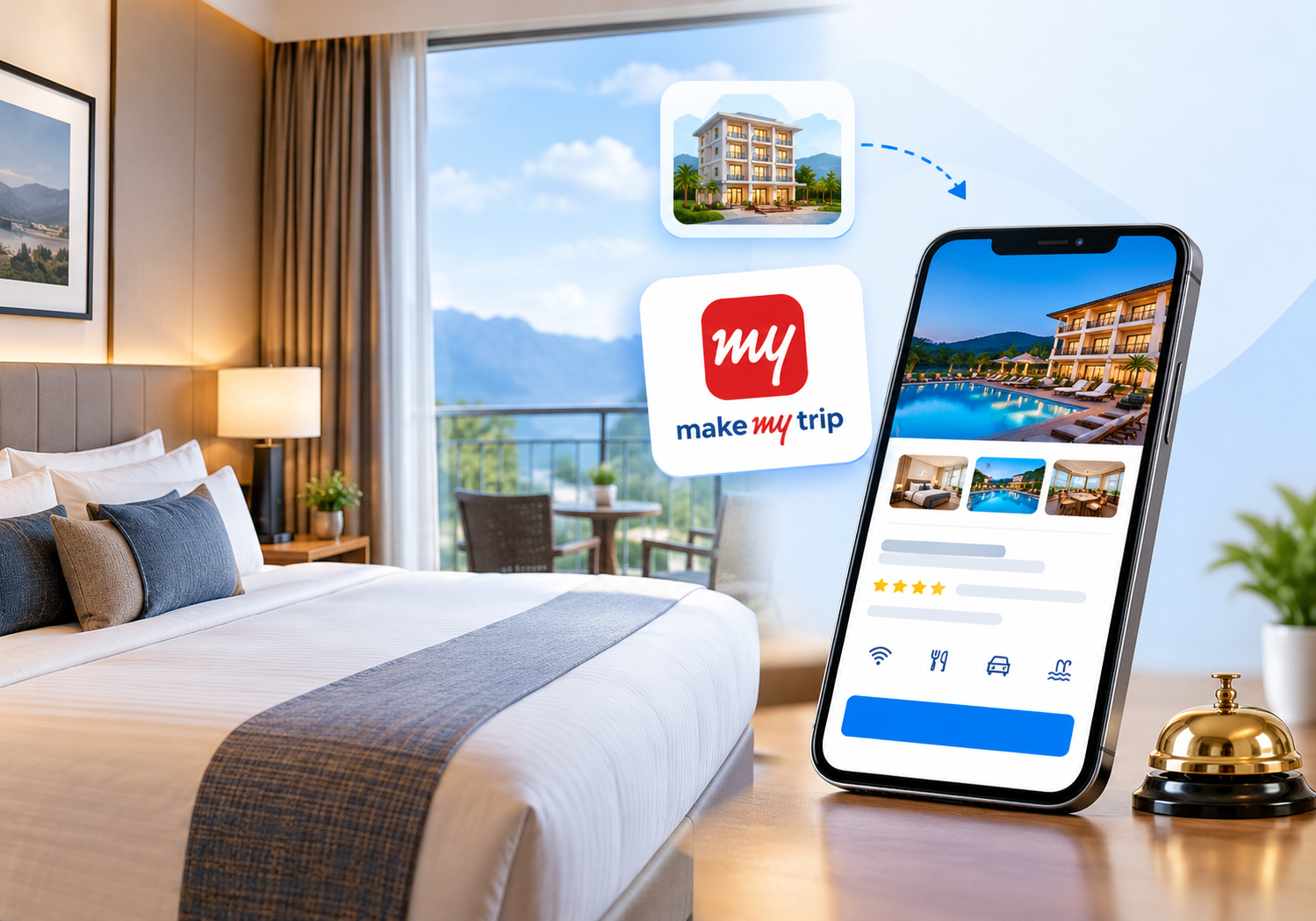
🌟 Why MakeMyTrip Matters for Your Hotel
MakeMyTrip is one of India’s best-known online travel agencies. Millions of travellers search it for flights, hotels, and holiday packages. Many of them are domestic leisure and business guests. That is exactly the audience most Indian hotels want.
Here is what you gain from a strong listing:
- 📈 More visibility: Your property appears in searches for your city.
- 💳 Trusted payments: Guests book with confidence on a known platform.
- 🌍 Wider reach: You attract travellers who never knew your name.
- 🕒 Filled gaps: Last-minute and off-season rooms get sold faster.
However, a listing alone does not guarantee bookings. Quality, pricing, and speed decide who wins. Let us build yours the right way.
🗓️ Seasonal Tips for Indian Hotels
Indian travel demand follows clear patterns. Plan your listing around them.
- ❄️ Winter: Hill stations and beach towns see strong demand. Raise rates early.
- ☀️ Summer: Families travel to the mountains. Offer family room bundles.
- 🌧️ Monsoon: Demand dips in many cities. Run value deals and longer-stay offers.
- 🪔 Festivals: Diwali, Holi, and long weekends fill rooms quickly. Close cheap rates early.
Review your calendar every month. Update rates before a rush, not after it. Early action protects your margin and your occupancy.
🤝 Is It Worth It? Our Honest View
Hoteliers often ask us whether it pays to list your hotel on MakeMyTrip. Our honest answer is yes, with a plan. The platform brings new guests, especially for leisure and short-notice stays. But you must watch commission, rate parity, and cancellations.
We have seen properties double their online visibility within one season. We have also seen owners lose money through careless discounts. The difference is discipline. Track your net revenue, not just your booking count. Then adjust your offers with real numbers.
📄 Documents You Need Before You Start
Missing paperwork is the top reason for delays. Keep these ready in clear scans:
- ✅ Property name, full address, and Google Maps pin
- ✅ Business PAN card and GST registration details
- ✅ Trade licence or local tourism registration, if applicable
- ✅ Bank account details and a cancelled cheque
- ✅ Owner or authorised signatory ID proof
- ✅ High-quality photos of rooms, lobby, exterior, and washrooms
Requirements can change by city and property type. Always confirm the latest checklist with the MakeMyTrip onboarding team. This keeps your application smooth and avoids rejection.
🪜 Step-by-Step: How to Register Your Property
Now let us go through the process. Each step is simple when you prepare in advance.
Step 1: Open the Partner Registration Page 🖥️
Visit the MakeMyTrip partner or hotel registration page. Choose the option for adding a new property. Enter your name, phone number, and email. Use details you check daily, because verification messages arrive there.
Step 2: Fill in Your Property Details 🏠
Add your property name, category, and address. Select the right type, such as hotel, resort, or homestay. A wrong category can hurt your search ranking. Pin the exact location on the map so guests can find you easily.
Step 3: Add Rooms and Inventory 🛏️
Create each room type with its size, bed type, and occupancy. Mention how many rooms you have in each category. Be honest about the numbers. Overstated inventory leads to overbooking and angry guests.
Step 4: Upload Photos and Descriptions 📸
Photos sell rooms. Upload bright, sharp images in landscape format. Show the room, bathroom, view, and common areas. Write a short, honest description. Mention nearby landmarks, airport distance, and special features.
Step 5: Set Rates and Policies 💰
Enter your base rates for each room type. Add meal plans, taxes, and extra-bed charges. Then set your cancellation policy clearly. Flexible policies often convert better, but choose what suits your business.
Step 6: Submit Documents for Verification 🔍
Upload the papers from the checklist above. The platform team reviews them and may call you. Answer quickly. Fast responses usually mean faster approval.
Step 7: Access the Extranet and Go Live 🎉
After approval, you receive extranet login access. The extranet is your control panel for rates, availability, and bookings. Review every detail once more. Then switch your property live.
🎯 How to Make Your Listing Stand Out
Going live is only the start. Strong listings earn more clicks and more bookings. Try these proven habits:
- 🖼️ Lead with your best photo. The first image decides most clicks.
- 📝 Write for guests, not search engines. Clear, friendly text builds trust.
- 🛎️ List every amenity. Wi-Fi, parking, breakfast, and power backup matter to Indian guests.
- ⭐ Reply to every review. Polite replies show that you care.
- 💸 Review prices weekly. Match demand during festivals, weekends, and long holidays.
In our experience, small fixes bring quick wins. A better cover photo and a complete amenity list often lift views within weeks. Read how our revenue management tools help you price smarter every day.
⚠️ Common Mistakes Hoteliers Make
Avoid these errors, and you will save time and money:
- ❌ Uploading blurry or dark photos
- ❌ Leaving amenities half-filled
- ❌ Forgetting to update availability after a direct booking
- ❌ Ignoring guest messages and reviews
- ❌ Setting rates once and never revisiting them
- ❌ Missing rate differences across other travel sites
The biggest danger is manual updating. Imagine a guest books through the front desk. If you forget to close that room online, a second guest books it. This is a double booking, and it damages your reputation. Our guide on how a channel manager protects your inventory explains the fix.
💵 Understanding Commission and Costs
Online travel agencies earn through commission on each confirmed booking. The percentage depends on your agreement, city, and property category. Always read the contract before signing. Ask about payment cycles, cancellation rules, and any promotional programs.
Do not forget the hidden side of costs. Discounts, promotions, and visibility boosters can reduce your final earnings. Our deep dive on OTA hidden fees for hotels shows exactly what to watch. Know your true net revenue per booking before you join any program.
🔄 Managing MakeMyTrip Along With Other Channels
Most smart hotels sell on several platforms at once. That is wise, because it spreads risk. But it also creates work. You must update rates and rooms everywhere, every time.
When you list your hotel on MakeMyTrip, think about your whole distribution plan. Ask yourself these questions:
- 🧩 Are my rates equal across all channels?
- 🔁 Does one booking close that room everywhere instantly?
- 📊 Can I see all bookings in one report?
A channel manager answers all three. SaasAro connects with 200+ OTAs, so one update reaches every channel together. See how our channel manager removes manual work. If you also sell on other portals, read our guides on Booking.com integration and Agoda integration.
🧠 Build Direct Bookings Alongside OTAs
OTAs bring new guests. Direct bookings bring higher margins. Smart hoteliers use both. Add a commission-free booking engine to your website. Then invite repeat guests to book with you directly.
A property management system keeps front desk, housekeeping, and billing in one place. It also records guest history. You can use that data to offer loyalty deals. Over time, this lowers your dependence on any single platform.
⭐ Protect Your Reputation After Going Live
Reviews shape every booking decision. A few bad reviews can push you down the list. So respond fast and fix recurring problems. Our reputation management tool gathers feedback in one view. You can then reply quickly and spot patterns.
Use reports and analytics to learn which channel gives your best guests. Track occupancy, average daily rate, and cancellations. Data helps you decide where to focus your effort.
💡 Pro Tips From the Field
Small habits create big gains over time. Keep these in mind:
- 📞 Answer calls fast. Onboarding teams move quickly when you respond.
- 🧹 Keep rooms photo-ready. Real rooms must match your pictures.
- 🔔 Set daily alerts. Check new bookings and guest messages each morning.
- 🤝 Train your staff. Everyone should know your policies and rate rules.
- 🧾 Save every contract copy. You will need it during any dispute.
Honest listings build trust. Guests who find what you promised leave better reviews. Better reviews then bring more bookings. It is a simple cycle, and you control it.
✅ Your Quick Go-Live Checklist
Print this and tick each item:
- ☑️ Documents scanned and ready
- ☑️ Room types and inventory correct
- ☑️ 10 or more quality photos uploaded
- ☑️ Amenities fully listed
- ☑️ Rates and policies reviewed
- ☑️ Extranet login tested
- ☑️ Channel manager connected
- ☑️ Review reply process planned
Want more context before you start? Read our companion guide on how to list your property on MakeMyTrip. Also compare tools in our best hotel management software overview. Planning a budget? See the hotel management software cost breakdown.
❓ Frequently Asked Questions
1. How long does it take to get approved on MakeMyTrip? ⏱️
Timelines vary by city and document quality. Complete, clear paperwork usually speeds things up. Respond quickly when the team calls you.
2. Do I need a GST number to join? 🧾
Most commercial properties provide GST details. Requirements can differ for small properties. Please confirm with the onboarding team.
3. Can a small homestay get listed too? 🏡
Yes, many homestays, guest houses, and boutique stays are listed. Each category has its own checklist. Prepare good photos and accurate details.
4. What if I sell on several platforms? 🌐
Use a channel manager. It syncs rates and availability across channels automatically. This prevents double bookings and saves hours every week.
5. How can I get more bookings after going live? 📈
Improve photos, answer reviews, and keep rates competitive. Also add a direct booking engine to your website. Review your reports every month.
🏁 Final Thoughts
Now you know how to list your hotel on MakeMyTrip the smart way. Prepare your documents, build a rich listing, and respond to guests fast. Then automate everything behind the scenes. Hotels that stay organised win more bookings and keep more profit.
SaasAro helps hoteliers across India manage OTAs, rates, and bookings from one dashboard. Let us show you how.
📞 Ready to Grow Your Bookings?
☎️ Call us today: +91 75000 87037
Our team will guide you from listing to a fully automated hotel. Let us help you fill more rooms! 🚀