
How to List Your Campground on MakeMyTrip is the first question smart camp owners ask today. 🏕️ Camping in India is booming. Travelers search for tents, bonfires, and starry nights every weekend. If your camp is not online, you lose bookings daily.
This guide explains how to list your campground on MakeMyTrip in simple steps. ✅ You will learn about documents, photos, pricing, and ranking tips. We also share practical lessons from our work with outdoor stay owners at Saasaro.
Learning how to list your campground on MakeMyTrip can change your occupancy for good. 🚀 Let’s begin. 👇
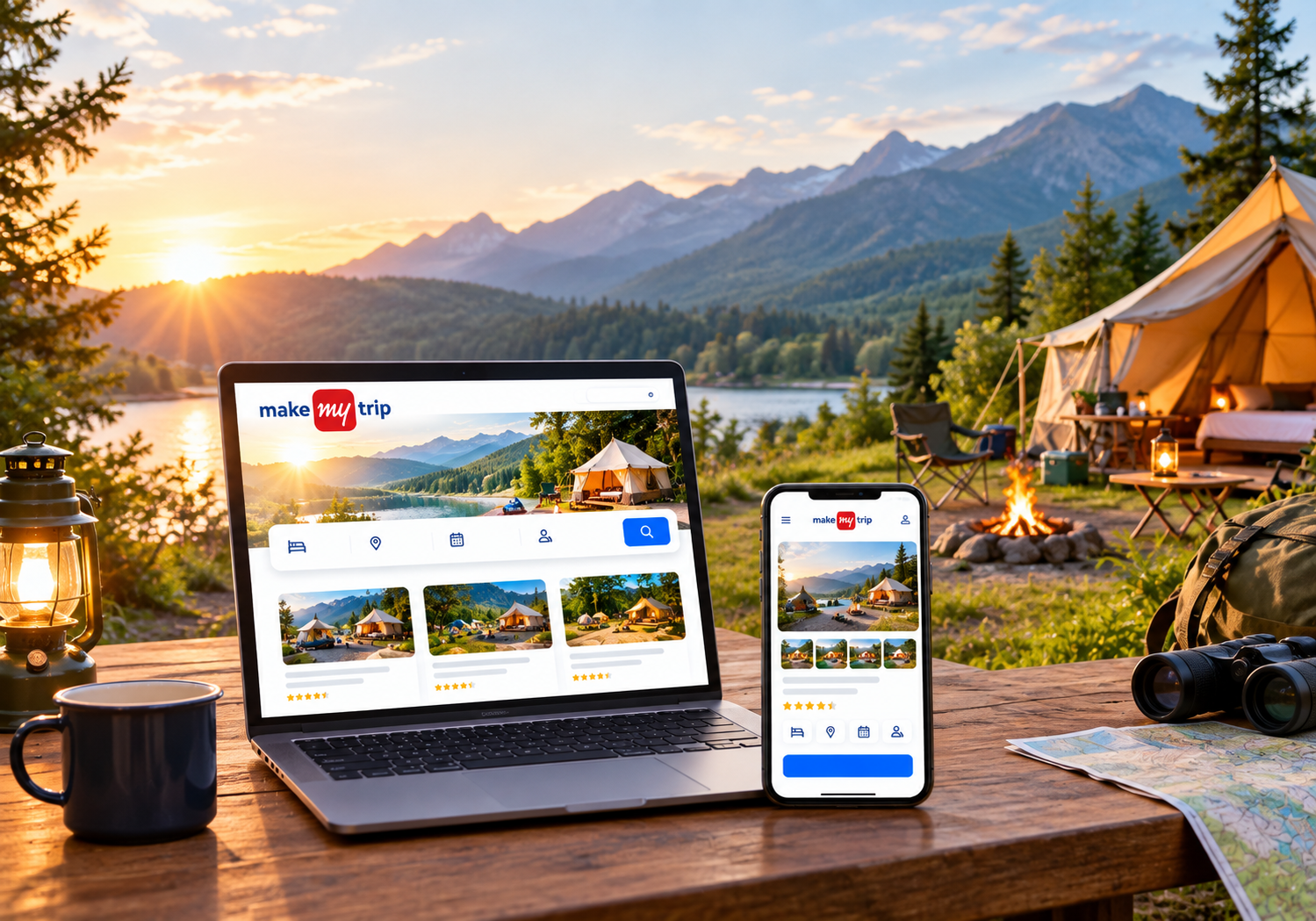
🌟 Why Learn How to List Your Campground on MakeMyTrip?
MakeMyTrip is one of India’s largest online travel platforms. Millions of travelers browse it every month to find stays. A strong listing puts your camp right in front of them.
Here is what you gain:
- 📈 More visibility among travelers who are ready to book
- 💳 Secure online payments and smooth booking flow
- 🌍 Wider reach across domestic and international guests
- ⭐ Trust through verified reviews and ratings
- 📱 Easy tools to manage bookings from your phone
Understanding how to list your campground on MakeMyTrip gives you a steady booking channel. It reduces your dependence on word-of-mouth and social media alone. Your camp earns even on days you are busy with guests. 🔥
✔️ Is Your Campground Eligible?
Most camp types can apply. This includes tent camps, glamping domes, caravan parks, and riverside camps. Cottage-style camps and eco stays can apply too.
Your property should meet a few basic standards:
- 🛏️ Clean and safe sleeping spaces
- 🚻 Working washrooms and drinking water
- 📍 A clear and reachable location
- 📞 A responsive owner or manager
Platforms prefer camps that offer a reliable guest experience. Meeting these basics makes approval much easier. 👍
📄 Documents You Need Before You Start
Preparation saves time. Keep these items ready before you begin:
- 🪪 Owner’s government ID, such as Aadhaar or PAN
- 🏢 Business PAN and GST details, if applicable
- 🏦 Bank account details with a cancelled cheque
- 📑 Property ownership or lease proof
- 📜 Local permissions, trade license, or tourism approvals
- 📷 Clear photos of your campsite
Rules can change by state and property type. Always confirm the latest list on the official partner portal. Keeping documents ready is the smartest first step in how to list your campground on MakeMyTrip.
🛠️ Step-by-Step: How to List Your Campground on MakeMyTrip
Follow these steps in order. Each one takes only a few minutes.
Step 1: Open the Partner Registration Page 🖥️
Visit MakeMyTrip’s “List Your Property” page. Click the register option. Enter your name, mobile number, and email. Verify your details with the OTP.
Step 2: Choose the Right Property Type 🏕️
Select the category that best matches your camp. Options may include homestay, resort, or other stays. Pick the closest fit. A wrong category confuses travelers and reduces clicks.
Step 3: Add Property Details 📝
Enter your camp name, address, and map pin. Add check-in and check-out times. Describe tents, cottages, domes, or caravans clearly. Mention bonfires, treks, and meal options.
Step 4: Upload Photos and Videos 📸
Add bright, high-quality images. Show tents, washrooms, dining areas, and views. Guests book what they can see. Real photos build trust fast.
Step 5: Set Rooms, Rates, and Availability 💰
Create each tent type as a separate room category. Add occupancy limits, meal plans, and nightly rates. Block dates when your camp is closed.
Step 6: Submit Documents for Verification ✅
Upload your documents in the portal. The team reviews your listing. They may call or visit to confirm details. Respond quickly to avoid delays.
Step 7: Go Live and Manage Bookings 🚀
Once approved, your camp goes live. Use the partner app to update inventory and answer queries. Check it daily during peak season.
That is the full process of how to list your campground on MakeMyTrip. Treat it as a one-time setup with ongoing care. 💪
📷 Photo Tips That Win More Clicks
Photos decide whether travelers click or scroll. Shoot during golden hour for warm, soft light. Use a wide lens for tents and landscapes.
Follow these simple tips:
- 🌅 Show sunrise, sunset, and night sky views
- 🔥 Capture bonfire evenings with real guests
- 🚿 Show clean washrooms and bedding
- 🍛 Add photos of your food and dining area
- 🚫 Avoid heavy filters and stock images
Upload at least 15 to 25 images. Strong visuals are a key part of how to list your campground on MakeMyTrip successfully.
💡 Smart Pricing and Inventory Tips
Pricing affects both ranking and conversion. Study nearby camps before setting your rates. Charge more on weekends and holidays. Offer small discounts for midweek stays.
Here are quick pricing ideas:
- 🍽️ Include meals in packages to raise value
- 🎉 Create festival and long-weekend offers
- 👨👩👧 Add family and group packages
- 🗓️ Update availability every single day
Outdated inventory leads to cancellations and bad reviews. Remember, how to list your campground on MakeMyTrip is only half the job. Smart pricing keeps bookings flowing. 💸
🔍 How to Optimize Your Listing for Better Ranking
A live listing is not enough. You must optimize it regularly. Platforms reward complete and active listings.
Try these proven actions:
- ✍️ Write a clear and honest description
- 🌄 Highlight unique features like riverside views or glamping domes
- 🧾 List every amenity accurately
- 🛡️ Add safety details, such as first aid and trained staff
- ⏱️ Reply to guest questions within a few hours
Our experience shows that how to list your campground on MakeMyTrip matters less than how you maintain it. Consistent updates signal quality to the platform. Add monsoon or winter deals to stay relevant.
Apply these habits after learning how to list your campground on MakeMyTrip, and rankings improve steadily. 📊
⚠️ Common Mistakes to Avoid
Many owners lose bookings because of small errors. Avoid these:
- ❌ Uploading blurry or dark photos
- ❌ Hiding extra charges from guests
- ❌ Ignoring negative reviews
- ❌ Leaving the calendar outdated
- ❌ Choosing the wrong property category
Avoid these errors while you follow how to list your campground on MakeMyTrip. Small mistakes cost big bookings. Honest details always create happier guests. 😊
⭐ Manage Reviews and Ratings
Reviews build trust with new travelers. Thank happy guests with a warm reply. Respond calmly to complaints. Fix repeated issues quickly.
Ask satisfied guests to share feedback after checkout. Good ratings boost visibility. This completes the cycle of how to list your campground on MakeMyTrip and grow bookings month after month. 🌱
🤝 How Saasaro Helps Camp Owners Grow
At Saasaro, we help campground and outdoor stay owners grow online. Our team supports listings, channel management, and booking software. We follow Google’s EEAT principles: real experience, expert advice, and honest guidance.
Many owners ask us how to list your campground on MakeMyTrip without errors. We guide them from setup to optimization. Our process saves time and avoids rejection.
Whether you need help with how to list your campground on MakeMyTrip or a full booking system, we are ready. 🙌
❓ FAQs
Q1. How to list your campground on MakeMyTrip for free? 🆓
Registration is usually free. The platform generally charges a commission on confirmed bookings. Check the latest terms on the partner portal before signing up.
Q2. How long does approval take? ⏳
Approval often takes a few days. It can take longer if documents are incomplete. Quick replies to verification calls speed things up.
Q3. Can I list tents and glamping domes? ⛺
Yes, you can list them. Choose the closest property category. Then describe your tents or domes clearly with photos.
Q4. What is the fastest way to learn how to list your campground on MakeMyTrip? ⚡
Follow the steps in this guide. You can also take expert help from the Saasaro team. We handle documents, content, and setup.
Q5. Do I need GST to get listed? 🧾
It depends on your turnover and state rules. Consult a chartered accountant for accurate advice.
Q6. How can I get more bookings after going live? 📈
Keep photos fresh and prices competitive. Update availability daily. Reply to reviews and guest messages quickly.
🎯 Conclusion
Now you know how to list your campground on MakeMyTrip from start to finish. 🏁 Prepare your documents first. Add strong photos and honest details. Set smart prices and keep your calendar updated.
Start today, and your camp can reach thousands of travelers. Remember that how to list your campground on MakeMyTrip is just the beginning. Consistent effort builds lasting success. 🌟
🚀 Ready to Fill Your Campsite? Let Saasaro Help!
Don’t waste another weekend with empty tents. ⛺ Our experts will set up and optimize your listing for you.
📞 Call Us Now: +91 75000 87037