
A hotel channel manager lets you sell every room on every booking site from one screen. 🚀 It updates rates and availability everywhere in real time. That means fewer double bookings and more confirmed stays. In 2026, Indian hotels compete on dozens of platforms at once. Manual updates cannot keep up.
This guide explains how the technology works, what it costs, and who needs it. It draws on SaasAro’s live product details and our work with Indian hoteliers. 🇮🇳
Why trust this guide? 🔐 Every product detail comes from SaasAro’s live website and pricing page. Our team supports hoteliers on the ground, so we know the daily pain points. No guesswork, only verified information.
What Is a Hotel Channel Manager?
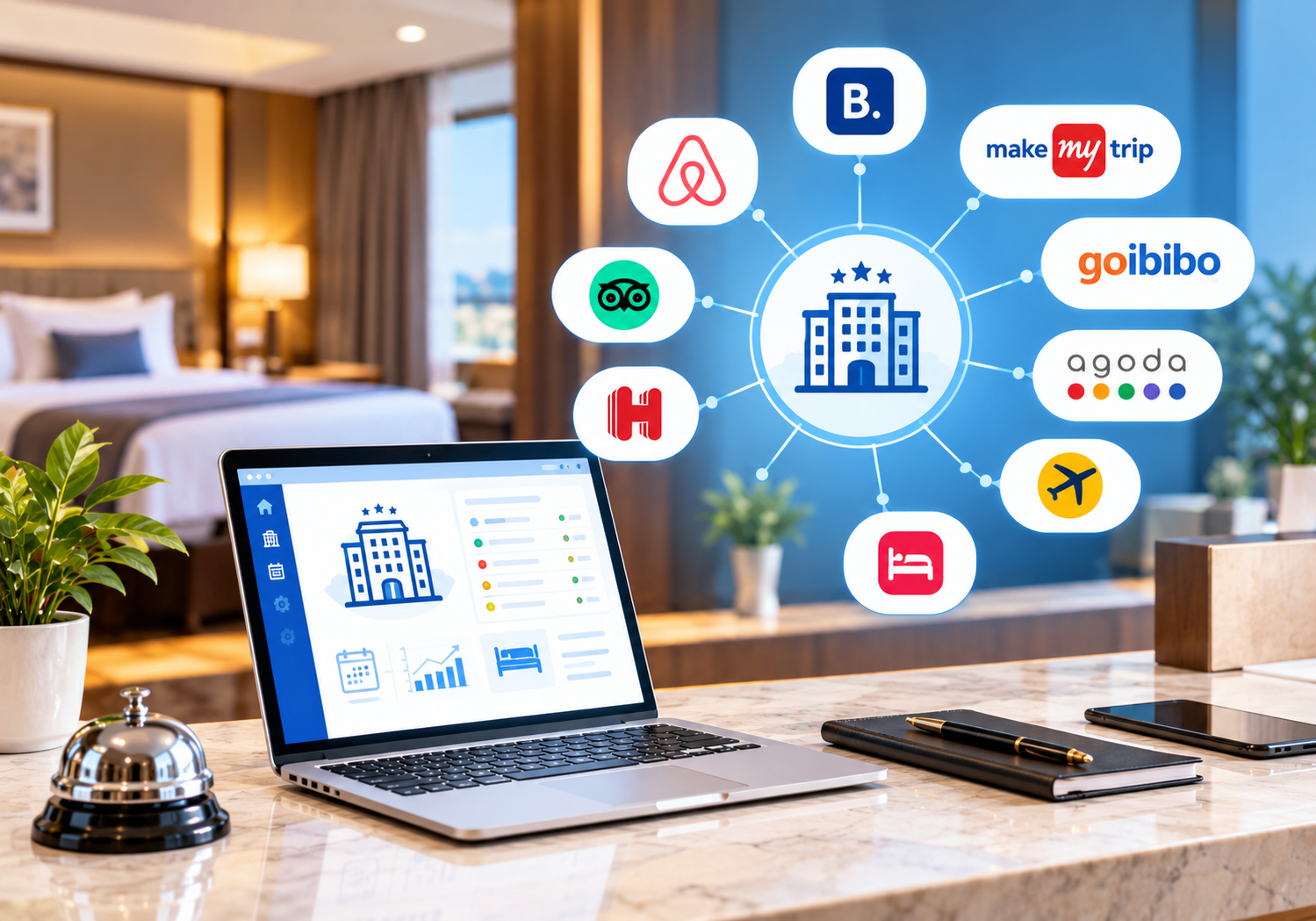
A hotel channel manager is cloud software that connects your rooms to many booking sites. These include OTAs, metasearch engines, and global distribution systems (GDS). You manage rates, inventory, and restrictions from one dashboard. The software then pushes every change to all channels instantly.
Without it, you log into each extranet separately. One missed update can cause an overbooking. 😬 A guest arrives, and no room exists. That hurts your reviews and your revenue.
SaasAro’s channel manager removes that risk. Once a room sells on one platform, availability updates everywhere else. Cancellations and modifications sync the same way. ✅ You can also link it with your property management system and booking engine. Every booking then lands in one place.
Think of it as air traffic control for your rooms. 🛫 Every booking site is a runway. The channel manager keeps all of them in sync. You never sell the same room twice.
Hoteliers often ask why this matters now. Guests compare prices on many sites before they book. If your rates differ, they notice. A synced system keeps your pricing consistent and your brand trusted. 🤝
Curious how it differs from a PMS or CRS? Read our guide on channel manager vs PMS vs CRS.
How It Works in 4 Simple Steps ⚙️
Step 1: Connect your channels 🔌
You link your OTA accounts, such as Booking.com, Agoda, and MakeMyTrip. The SaasAro team guides the setup with you.
Step 2: Map rooms and rates 🗺️
Each room type and rate plan is matched to its OTA listing. This keeps your data accurate on every platform.
Step 3: Update once 🖱️
You change a rate, close a date, or set a stop-sell. You do it one time on the dashboard.
Step 4: Sync in real time ⚡
The change reaches every connected channel within moments. New reservations flow back into your PMS automatically.
Setup is quick for most properties. The SaasAro team checks every mapping before you go live. ✔️ You can start with two channels and add more later. Many hotels begin with Booking.com and MakeMyTrip, then expand once they see results. 📈 Training and onboarding come with the Starter plan, so your front desk team feels confident from day one. 🎓 Each new channel follows the same simple pattern.
This loop runs all day without extra effort. Your team stops copying numbers between browser tabs. 🙌 For deeper setup advice, read our guide to channel manager for hotels.
Key Features at a Glance ✨
- ⚡ Real-time sync of rates and inventory across all channels
- 🛡️ Overbooking protection through instant availability updates
- 💰 Bulk updates, stop-sell, and restriction controls
- ⚖️ Rate parity management and dynamic pricing support
- 📊 Channel reports on bookings, revenue, and performance
- 🔗 Native links with your PMS, booking engine, and revenue tools
- 🔍 Google Hotel Ads connectivity for commission-free direct bookings
Let us look at three of these closely. 🔍
Real-time sync. A booking made at 2 a.m. still updates every channel at once. Your night staff never has to fix it by hand.
Rate parity. Guests lose trust when prices differ across sites. Central control keeps your rates consistent and your brand strong. 💪
Channel reports. You see which OTA brings the most revenue after commission. Then you can shift effort toward the best performers. 📊
Pair these tools with the revenue management system to price smarter. Use the reports dashboard to see which channel earns the most. Our post on the benefits of a channel manager shows the full impact.
OTAs You Can Connect 🌍
SaasAro supports 300+ OTAs, GDS platforms, and metasearch sites. Domestic and global names are both covered.
- 🇮🇳 India: MakeMyTrip, Yatra, Cleartrip, EaseMyTrip, Travelguru
- 🌐 Global: Booking.com, Agoda, Expedia, Hotels.com, and Trip.com
- 🏡 Alternative stays: Airbnb
- 🔎 Metasearch: Google Hotel Ads, Trivago, TripAdvisor, and Kayak
Each channel has its own rules and fees. Learn more in our guides on Booking.com channel manager integration, Agoda channel manager integration, and the Airbnb channel manager API.
Why does channel choice matter? Each platform attracts a different guest. Domestic OTAs bring Indian leisure travellers. Global sites bring international visitors. 🧳 Metasearch sites send guests toward your direct booking link. A wide network helps you fill rooms in every season.
The Starter plan includes 20+ OTAs. The Premium plan unlocks all 300+. 🔓
Manual Updates vs a Channel Manager 🆚
| Task | ❌ Manual updates | ✅ Channel manager |
|---|---|---|
| Rate changes | Login to each OTA | One dashboard update |
| Overbooking risk | High 😟 | Very low 😊 |
| Time spent | Hours each week | Minutes |
| Data errors | Frequent typos | Automated accuracy |
| Rate parity | Hard to track | Managed centrally |
| Adding new OTAs | Slow and manual | Fast and guided |
A hotel channel manager also gives you one source of truth for rates. 📈 The gap grows with every channel you add. Manual work also costs real money. A single overbooking can mean a walk-in guest, a refund, and a bad review. 😞 Staff hours spent on updates add up each month. Automation turns those hours into time for guest service. 🛎️
Hidden commissions matter too. See our breakdown of OTA hidden fees for hotels.
Who Is It For? 👥
- 🏨 Independent hotels that sell on several OTAs
- 🏖️ Resorts with seasonal demand and many room types
- 🏡 Homestays, villas, and guest houses that list on Airbnb and Booking.com
- 🏢 Hotel groups and chains needing multi-property management
- 🤝 Tech providers who want to resell through the WhiteLabel plan
Each type of property has its own needs. A boutique hotel wants simple setup and fast support. A resort wants strong inventory control across room types. A chain wants one view of every property. 🗂️ SaasAro handles all three from one platform.
If you sell on two or more platforms, you will benefit. Even small properties lose bookings to double sales. 💸 Owners who manage everything alone gain the most. They get their evenings back. Teams with many staff gain consistency, because everyone sees the same live numbers. 👀 Looking for a local pick? Read our list of the best channel manager in India.
Pricing: What Will It Cost? 💳
SaasAro prices by property size, room count, and chosen features. Four plans are available:
- 🌱 Starter: PMS, booking engine, built-in channel manager with 20+ OTAs, channel reports, and 24/7 support
- 🚀 Premium: Everything in Starter, plus 300+ OTAs, accounting, reputation manager, and Google Hotel Ads
- 📈 Growth: Everything in Premium, plus dynamic pricing, OTA management, and competitor analysis
- 🏷️ WhiteLabel: Per-property pricing for tech providers
Pricing starts at ₹[ADD STARTING PRICE] per month per property. Larger portfolios receive custom quotes. 🧾
What drives the final price? Three things matter most. 🧮 The number of rooms sets the base. The number of connected OTAs adds to it. Extra tools like dynamic pricing and competitor analysis raise it further. Start small and upgrade as you grow. 📶
Compare plans on the pricing page. For cost factors, read our posts on channel manager pricing and hotel management software cost. Always confirm setup charges before you sign. Ask what support hours are included. Ask how many OTAs your plan connects. These three questions prevent surprises later. 🔎
Customer Proof: Hoteliers Trust SaasAro ⭐
SaasAro is trusted by 10,000+ properties and offers 300+ integrations. Here is what two hoteliers say. 💬
“SaasAro is one of the best hotel management platforms we’ve used. Its channel manager, booking engine, and PMS work seamlessly together, helping us increase direct bookings, automate operations, and manage multiple channels effortlessly. Great value for money and outstanding customer support” — jeru homecnr
“Saasaro is an excellent channel manager and hotel management solution for properties looking to streamline their operations and increase online visibility. The platform makes it easy to manage multiple OTAs from a single dashboard, saving both time and effort” — sunaina palace
Proof matters because software is a long-term choice. 🧠 Look for hotels similar to yours. Ask how fast their team learned the system. Ask how support responded in the first month. Our team is happy to share more references on request.
Both testimonials are shared with permission. 🙏 You can ask for a live walkthrough from our support team anytime.
Frequently Asked Questions ❓
1. What is a hotel channel manager?
A hotel channel manager is software that connects your property with multiple online travel agencies (OTAs). It also links global distribution systems (GDS) and booking platforms. It synchronizes room inventory, rates, and availability from one centralized dashboard.
2. How does a channel manager prevent overbookings?
SaasAro Channel Manager updates room availability instantly across all connected booking channels. Once a room is booked on one platform, availability updates everywhere else automatically. This prevents double bookings.
3. Which OTAs does SaasAro integrate with?
SaasAro integrates with more than 300 booking channels. These include Booking.com, Agoda, Expedia, MakeMyTrip, Airbnb, Yatra, Hotels.com, TripAdvisor, Trivago, Cleartrip, IRCTC, and many more.
4. Does room availability update in real time?
Yes, Room inventory and pricing sync in real time across all connected OTAs and booking platforms. This ensures accurate availability and minimizes booking conflicts.
5. Can I manage rates from one dashboard?
Yes, SaasAro lets you update room rates, inventory, availability, and pricing rules across all connected channels. You do it from one easy-to-use dashboard.
6. Does it support Airbnb integration?
Yes, Airbnb is fully supported. Your listings, rates, and availability stay synchronized alongside all your other booking channels.
7. Can I connect Google Hotel Ads?
Yes, SaasAro integrates with Google Hotel Ads and Google Business Profile. Guests can then book directly through your hotel website with commission-free “Book Now” links.
8. How many channels can I connect?
SaasAro supports integrations with over 300 OTAs, GDS platforms, metasearch engines, and booking websites. You can connect as many channels as your business requires.
9. Does it update inventory automatically?
Yes, Inventory updates are fully automated. Every booking, cancellation, or modification reflects instantly across all connected channels without manual intervention.
10. Is there any setup fee?
Pricing depends on your property’s size, number of rooms, and selected features. Contact the SaasAro sales team for the latest pricing details and any applicable setup charges.
Start Selling on 300+ Channels Today 🚀
Choosing the right hotel channel manager is the fastest way to cut errors and grow bookings. 🎉 Here is your simple next step. ✅ Book a demo and bring your OTA list. We will show how your rooms sync across channels. You can then compare plans with a clear picture. 🎯 No card is needed, and there is no obligation.
List once and sell everywhere. Join the properties already managing bookings, rates, and guests from one dashboard.
👉 Book your free demo
📞 Call: +91 75000 87037
✉️ Email: support@saasaro.com